Connect Let the MFP connect to your computer through Mini-
101M.
Disconnect Disconnect the selected MFP.
Add to My Favorite Add the MFP Servers that you frequently use toņMy
Favorite ListŇ.
Auto Release
when idle time is
over ___ minutes
(5-255)
To avoid users occupying the MFP overtime, you can
setup auto release function. It is used to automatically
disconnect the current connection after the MFP is
idle for a speciÀed period of time. By default, it is
never released.
2.1.1. Connect an MFP or a Printer
If you have already installed the driver of the MFP or the printer which you
want to connect, Mini-101M can automatically connect with the MFP or
the printer.
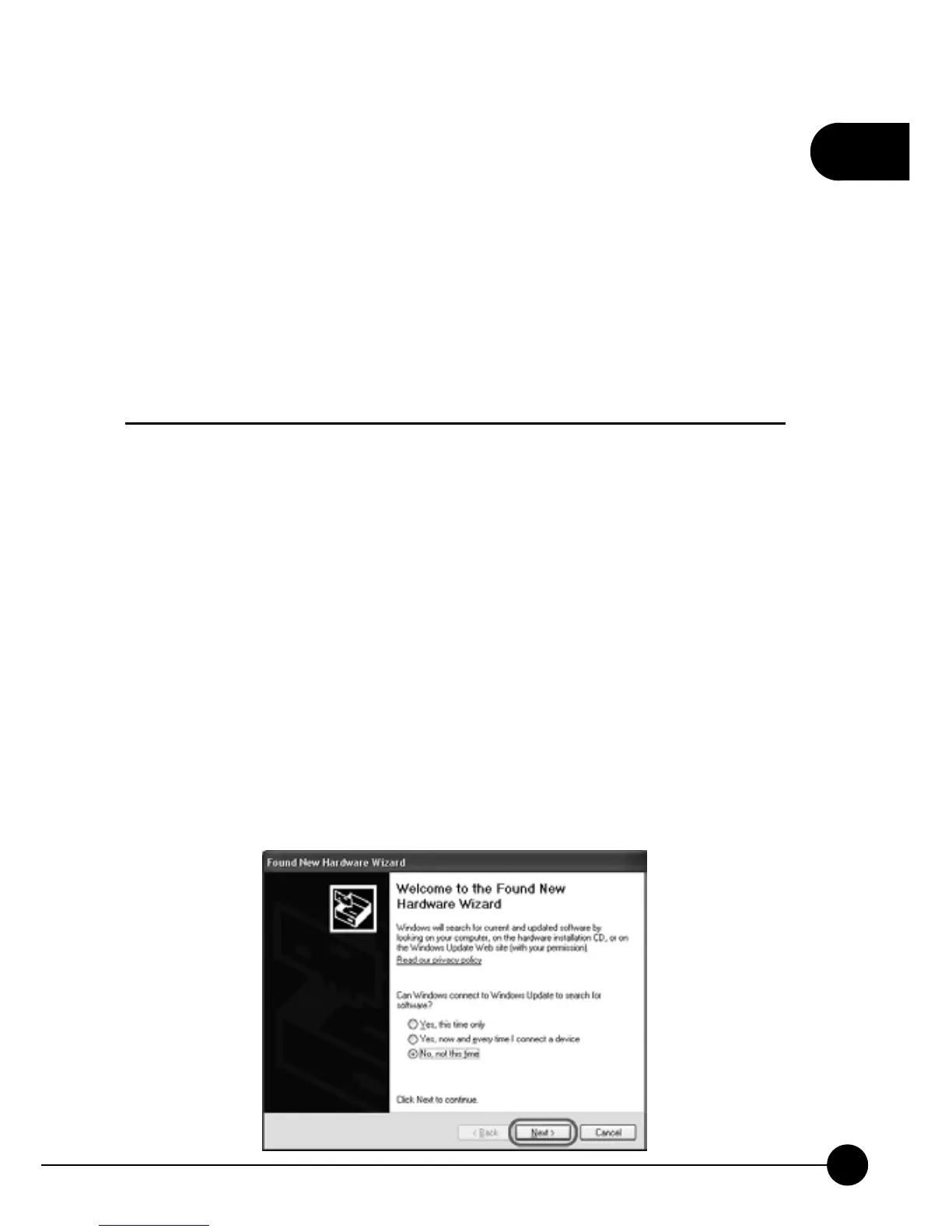
If you have already turn on the MFP or the printer, but you haven't install
the driver for it, after you clickņConnectŇbutton on the MFP Manager
Utility page, the following pages will show and ask you to install the driver
right away.
1.TheņFound New Hardware WizardŇwindow will pop up. Click
ņNextŇto continue adding a printer.



 To Next Page