3
76
Mini-101M
Queue: Set the queue name to lpt1.
Name: You can designate a name for the MFP or printer.
Location: You can enter the location of the MFP or printer.
Printer: Select the MFP or printer model that is attached to the MFP
Server.
5.ClickņAddŇto complete the MFP or printer installation.
MAC 10.3.x
To enable LPR Printing in Macintosh 10.3.x, please follow the procedures
below.
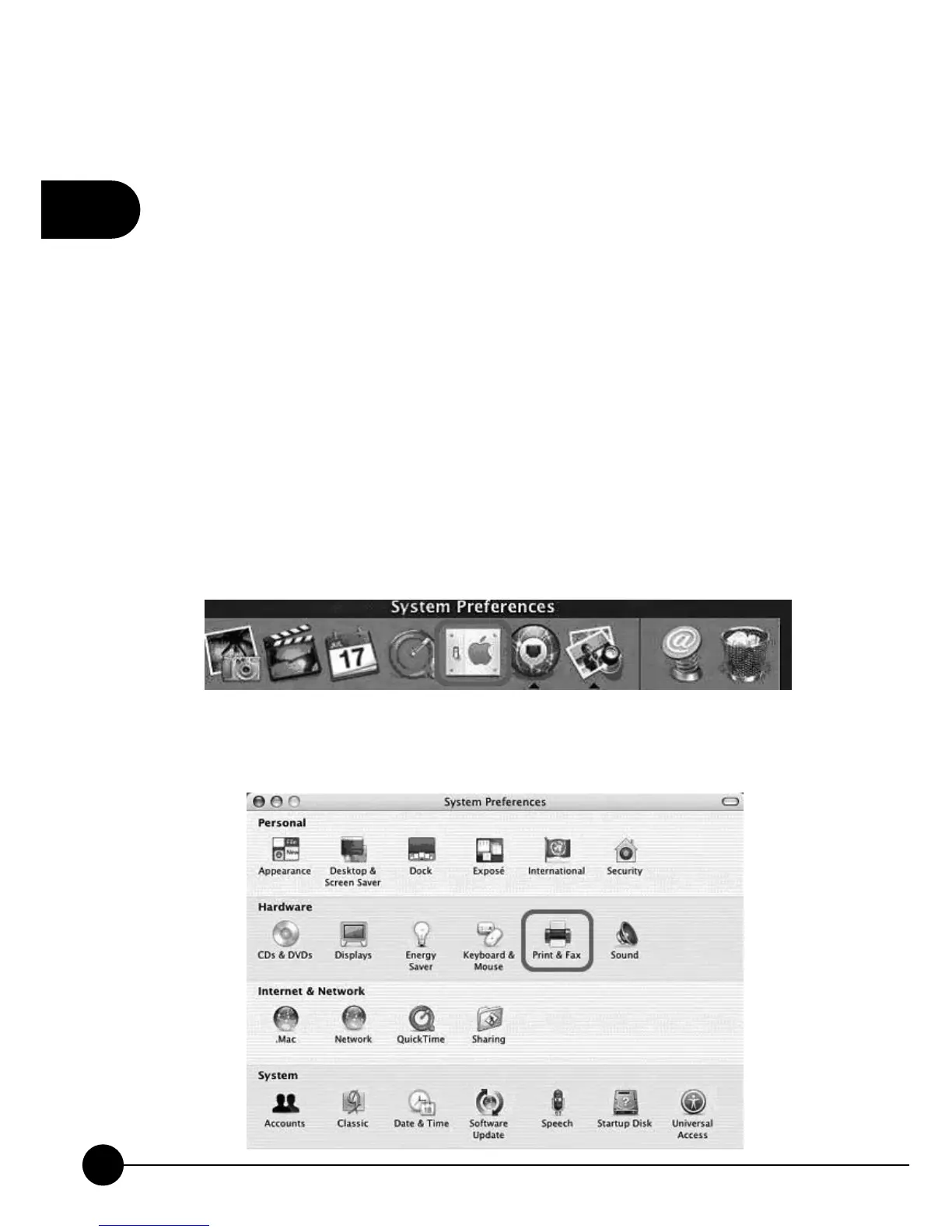
1.On the Desktop, clickņSystem PreferencesŇ.
2.ClickņPrint & FaxŇ.



 To Next Page