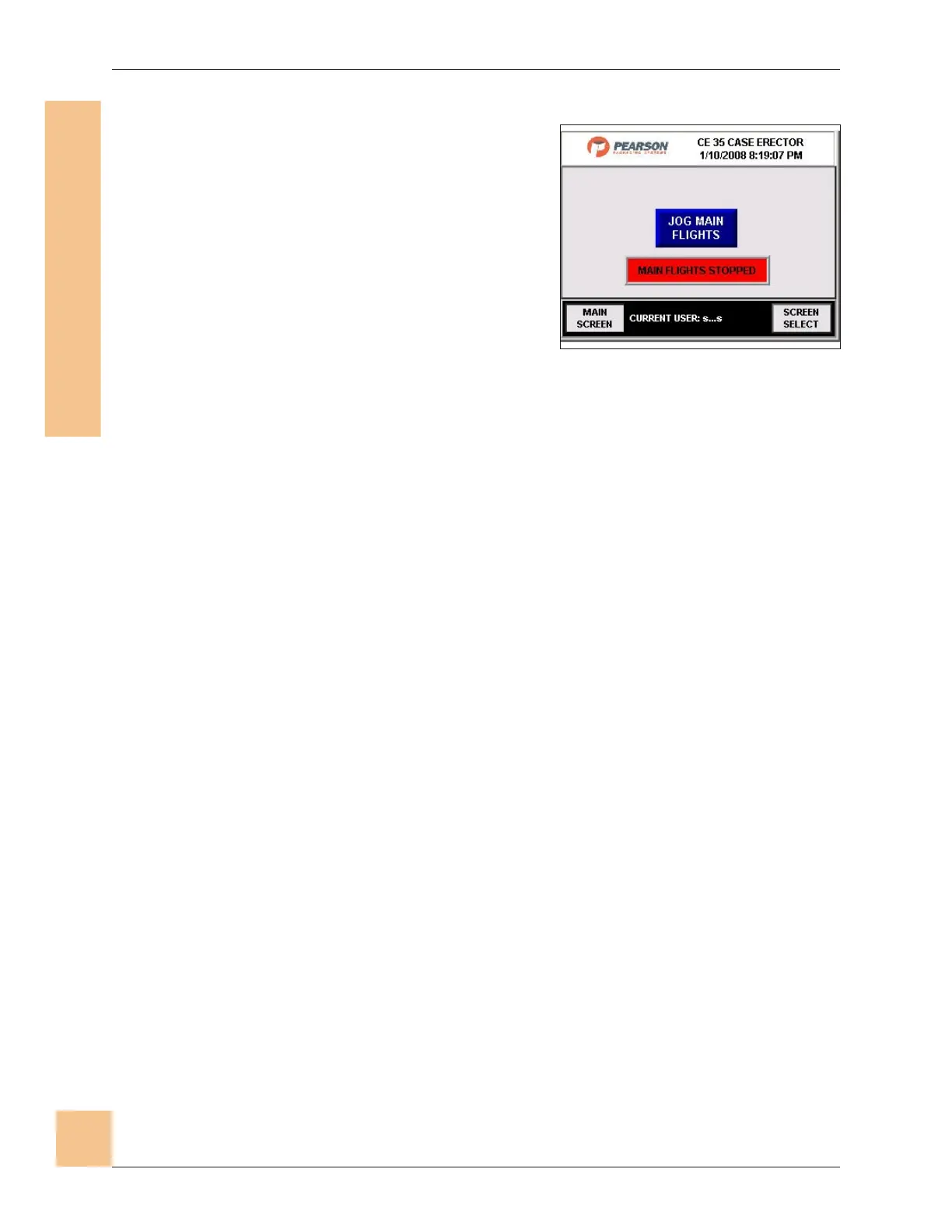
Manual Control Screen
1. This screen allows the operator to
manually jog the main flights.
2. Press the Jog Main Flights button. The
center display will read “main flights
jogging.”
3. When Jog Main Flights button is no
longer being pressed the center display
will read “main flights stopped.”
4. Pressing Main Screen will return you to
the Main Operator Station screen.
5. Pressing Screen Select will return you to the Screen Select screen.
CE35-T Case Erector Operations Manual
3/2/2010 M-CE35T-2c Horiz Mag
76
ecafretnI enihcaM-namuH
)IMH(
Fig. 72: Manual Control Screen


 To Next Page