109
Shooting Functions
4
1
Set the focus mode switch to \.
2
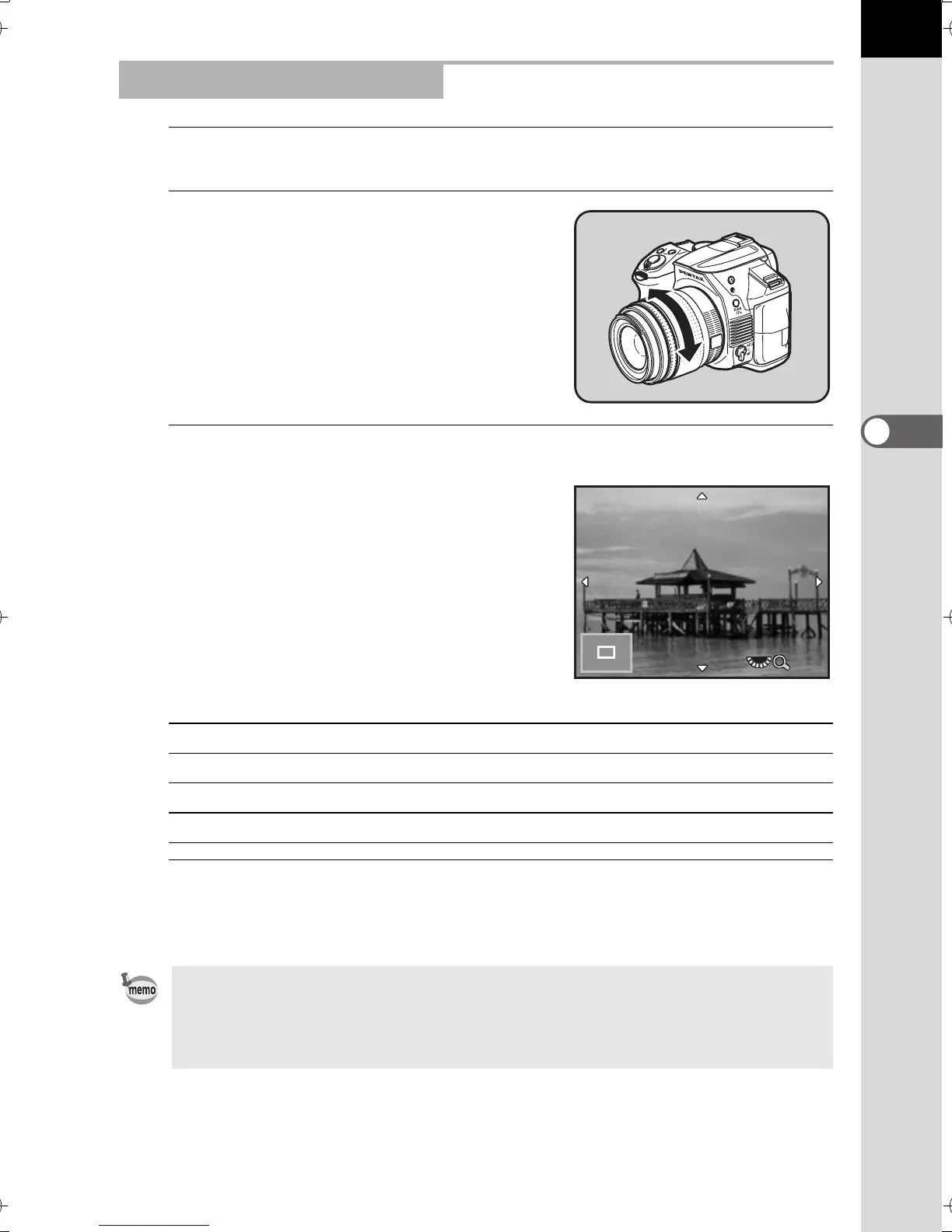
While viewing the monitor, turn the
focusing ring.
3
When it is difficult to check the focus, press the 4 button.
The image on the monitor is magnified.
Available operations
4
Press the 4 button or the shutter release button halfway.
The camera is ready to take a picture.
Focusing Using Live View
Rear e-dial (S) to the right (y) Magnifies the image (up to 6 times)
Rear e-dial (S) to the left (f) Reduces the image (up to 2 times)
Four-way controller (2345) Moves the display area.
d button Changes the display area to the center.
When [Focus Peaking] is enabled in [Live View] of the [A Rec. Mode 4] menu,
the outline of the subject in focus is emphasized and makes it easier to check
the focus. If you switch to = mode after enabling Focus Peaking in \ mode,
Focus Peaking also works in = mode.
x4
e_kb524_84percent.book Page 109 Friday, June 15, 2012 12:13 PM



 To Next Page