178
Playback Functions and Image Editing
6
1
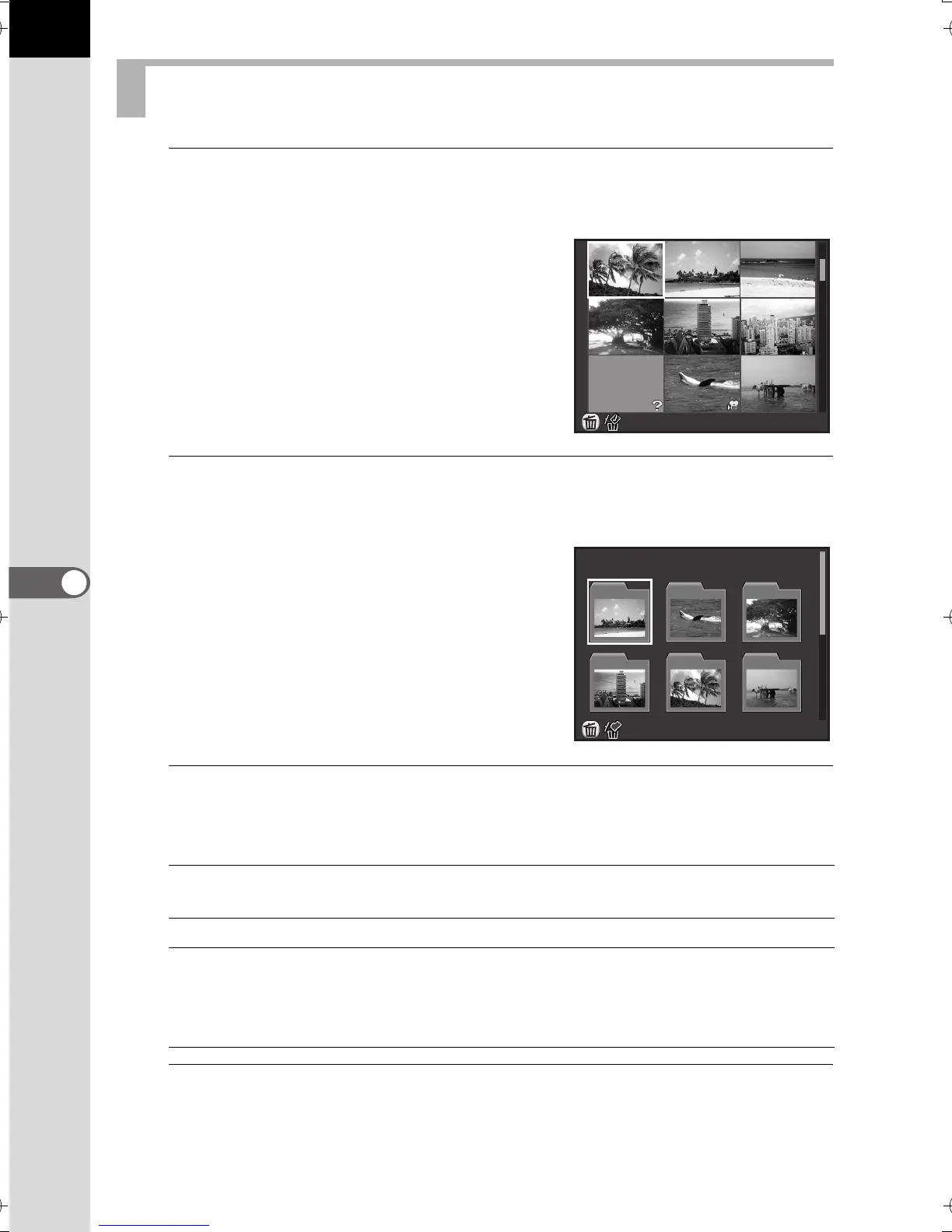
Turn the rear e-dial (S) to the left (toward f) in the single
image display.
The 9 thumbnail display screen appears
(default setting).
2
Turn the rear e-dial (S) to the left (toward f) again to
switch to the folder display.
Images are grouped and displayed by the
folder in which they are saved.
3
Select the image(s) to display.
Available operations
4
Turn the rear e-dial (S) to the right (toward y).
The camera returns to the single image display.
Displaying Multiple Images
Four-way controller
(2345)
Moves the selection frame.
U/i button Deletes the selected images. (p.184)
4 button Displays the selected image in the single
image display.
Displays the first image from the selected folder
in the single image display (in Folder Display).
100
-
0010
100
_
0202
50
100
101
102
103
104
105
e_kb524_84percent.book Page 178 Friday, June 15, 2012 12:13 PM



 To Next Page