189
Playback Functions and Image Editing
6
You can edit captured images using digital filters.
The following filters are available.
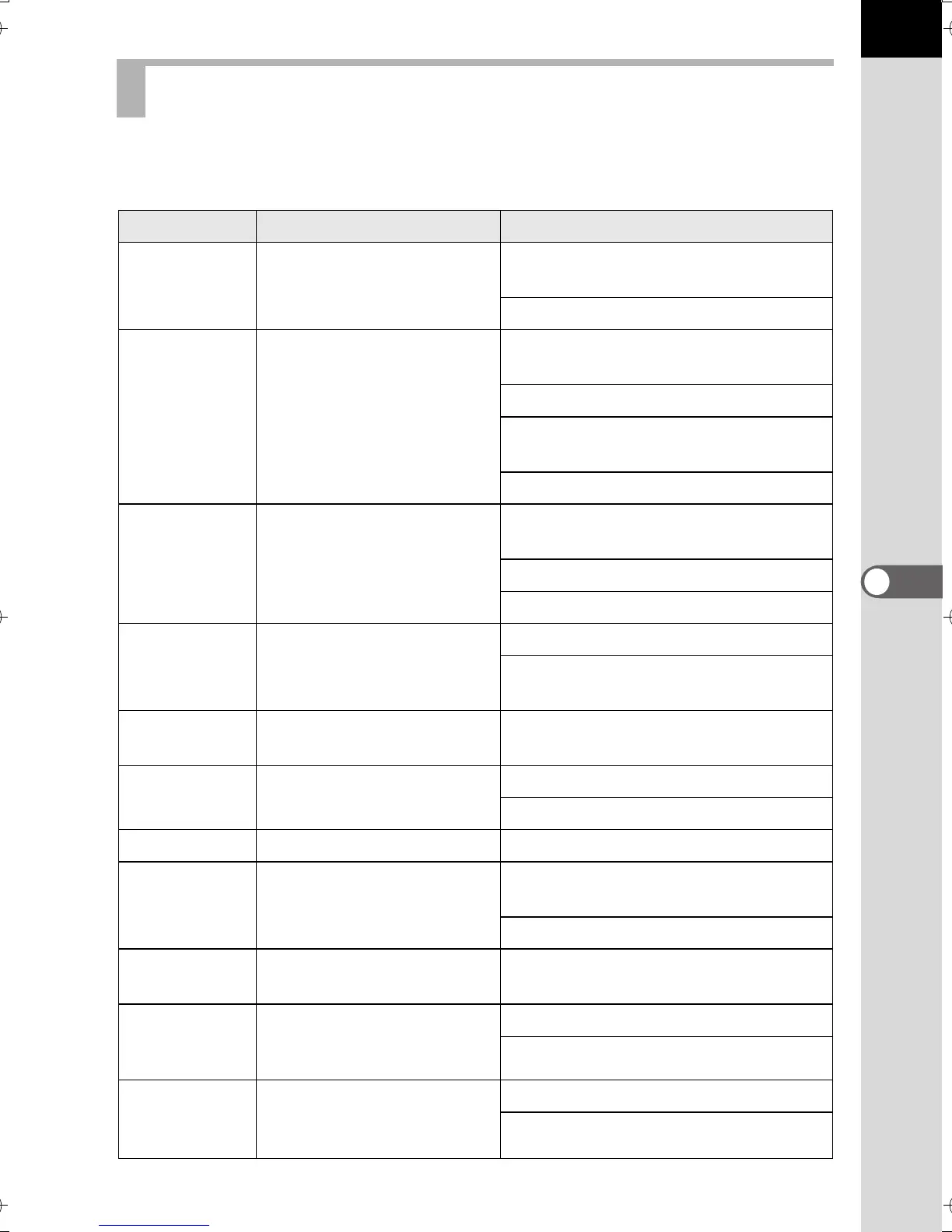
Processing Images with Digital Filters
Filter Name Effect Parameter
Monochrome
Creates a monochrome
image.
Filter Effect: OFF/Red/Green/Blue/
Infrared Filter
Toning (B-A): 7 levels
Extract Color
Extracts one or two
specific colors and makes
the rest of the image black
and white.
Extracted Color 1: Red/Magenta/
Blue/Cyan/Green/Yellow
Extractable Range of Color 1: 1 to 5
Extracted Color 2: OFF/Red/
Magenta/Blue/Cyan/Green/Yellow
Extractable Range of Color 2: 1 to 5
Toy Camera
Creates an image that
looks as though it was
shot with a toy camera.
Shading Level: OFF/Low/Medium/
High
Blur: Low/Medium/High
Tone Break: Red/Green/Blue/Yellow
Retro
Creates an image with the
look of an old photo.
Toning (B-A): 7 levels
Frame Composite: None/Thin/
Medium/Thick
High Contrast
Enhances the contrast in
the image.
Intensity: 1 to 5
Shading
Creates an image with
darkened edges.
Shading Type: 4 types
Shading Level: -3 to +3
Invert Color Inverts image colors. OFF/ON
Color
Adds a color filter to the
image.
Color: Red/Magenta/Blue/Cyan/
Green/Yellow
Color Density: Light/Medium/Dark
Tone
Expansion
Creates an image with a
unique contrast.
Low/Medium/High
Sketch
Creates an image that
looks as though it was
drawn with a pencil.
Contrast: Low/Medium/High
Scratch Effect: OFF/ON
Water Color
Creates an image that
looks as though it was
painted.
Intensity: Low/Medium/High
Saturation: OFF/Low/Medium/High
e_kb524_84percent.book Page 189 Friday, June 15, 2012 12:13 PM



 To Next Page