Changing the Focus Mode
Use the camera's focus mode switch
to
change between autofocus mode and manual focus
mode. For details, refer
to
your camera operating manual.
For the
DA
* lens
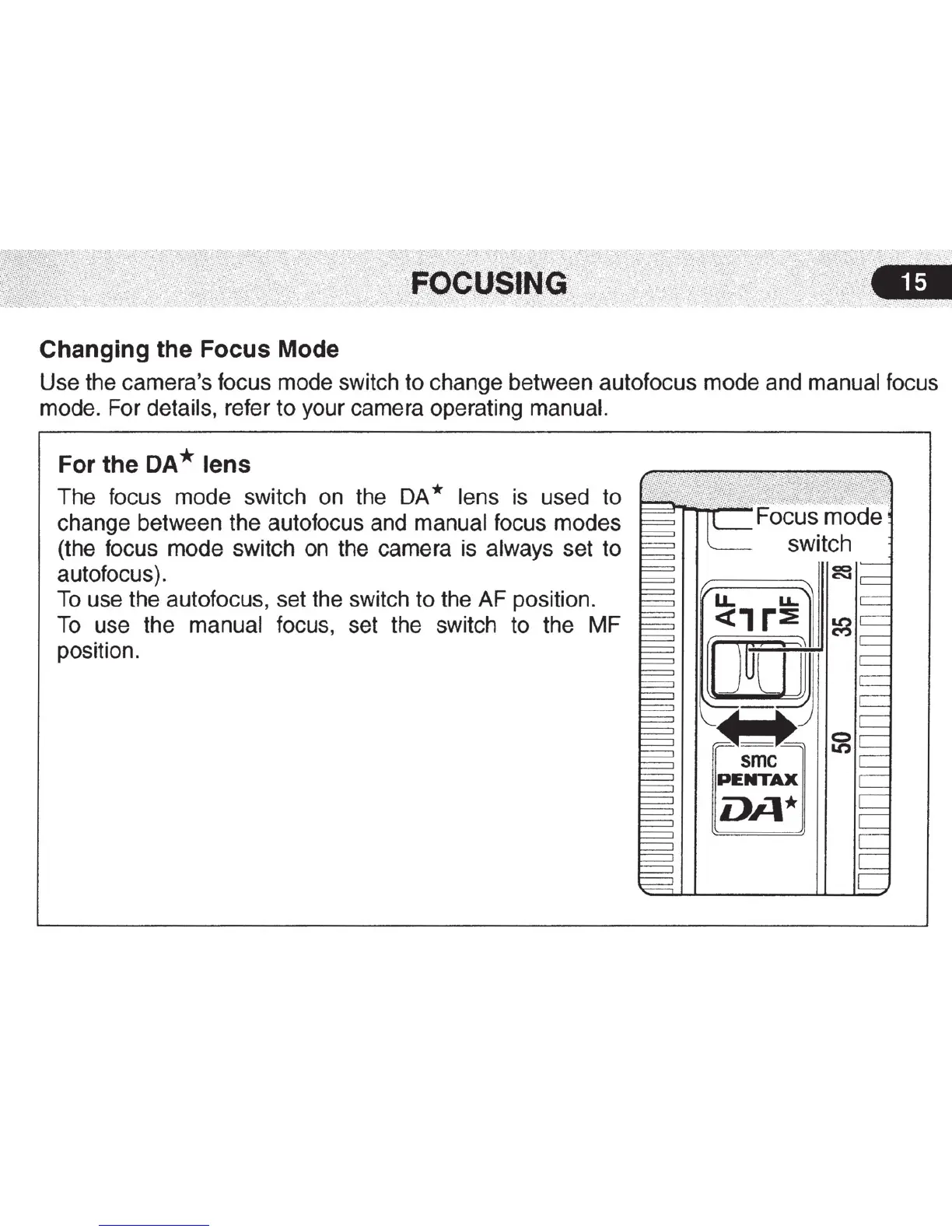
The focus mode switch on the DA * lens is used to
change between the autofocus and manual focus modes
(the focus mode switch on the camera is always set to
autofocus).
To
use the autofocus, set the switch
to
the AF position.
To
use the manual focus, set the switch to the MF
position.
smc
NTAX
DA*



 To Next Page