EasyManua.ls Logo

Pentax K-30 - Page 315

Pentax K-30
364 pages
Print Icon
To Next Page IconTo Next Page
To Previous Page IconTo Previous Page
Loading...
;
-
:·:'
..
;.'.;-
-
".".:
· ··
. ,
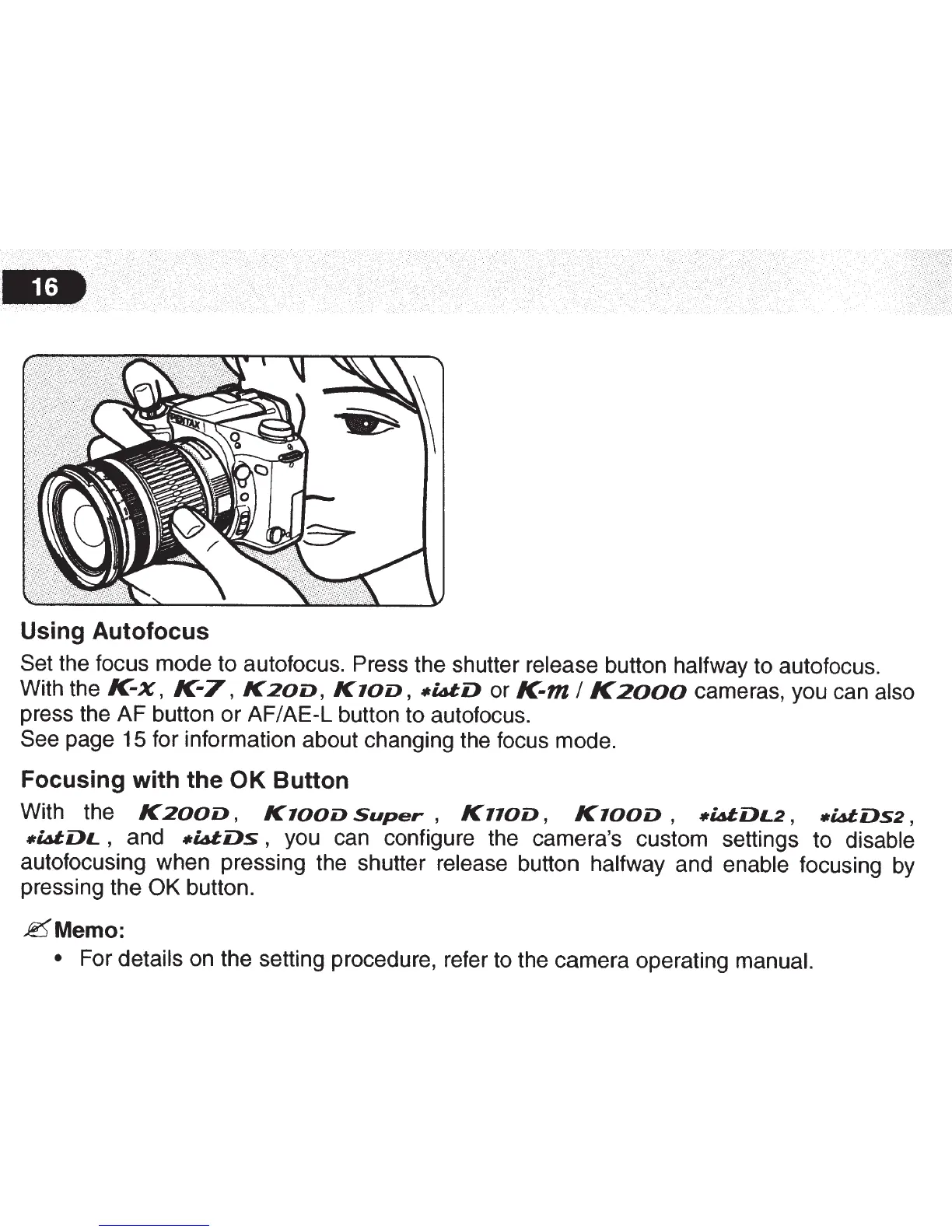
Using
Autofocus
Set
the focus mode to autofocus. Press the shutter
release
button
halfway
to autofocus.
With the
K-x,
K-7,
K20D,
KlOD,
•WD
or
K-m
I
K2000
cameras, you can also
press the
AF
button
or
AF/AE-L
button to autofocus.
See page 15 for information about changing the focus mode.
Focusing
with
the
OK
Button
With the
K200D,
KlOOD
Super
,
K110D,
KlOOD
,
•WDL2,
•LdDs2,
•WDL
,
and
-~Ds
,
you can configure the camera's custom settings to
disable
autofocusing when pressing the shutter
release
button
halfway and
enable
focusing by
pressing the
OK
button.
~Memo:
For details
on the setting procedure, refer to the camera operating
manual.

Table of Contents

Other manuals for Pentax K-30

Related product manuals