128
Shooting Functions
4
Recording Movies
This camera enables you to record movies with the following format.
• Sound Monaural
• File format MPEG-4 AVC/H.264 (File extension: .MOV)
Settings for recording movies can be changed using the [C Movie] menu
or the control panel.
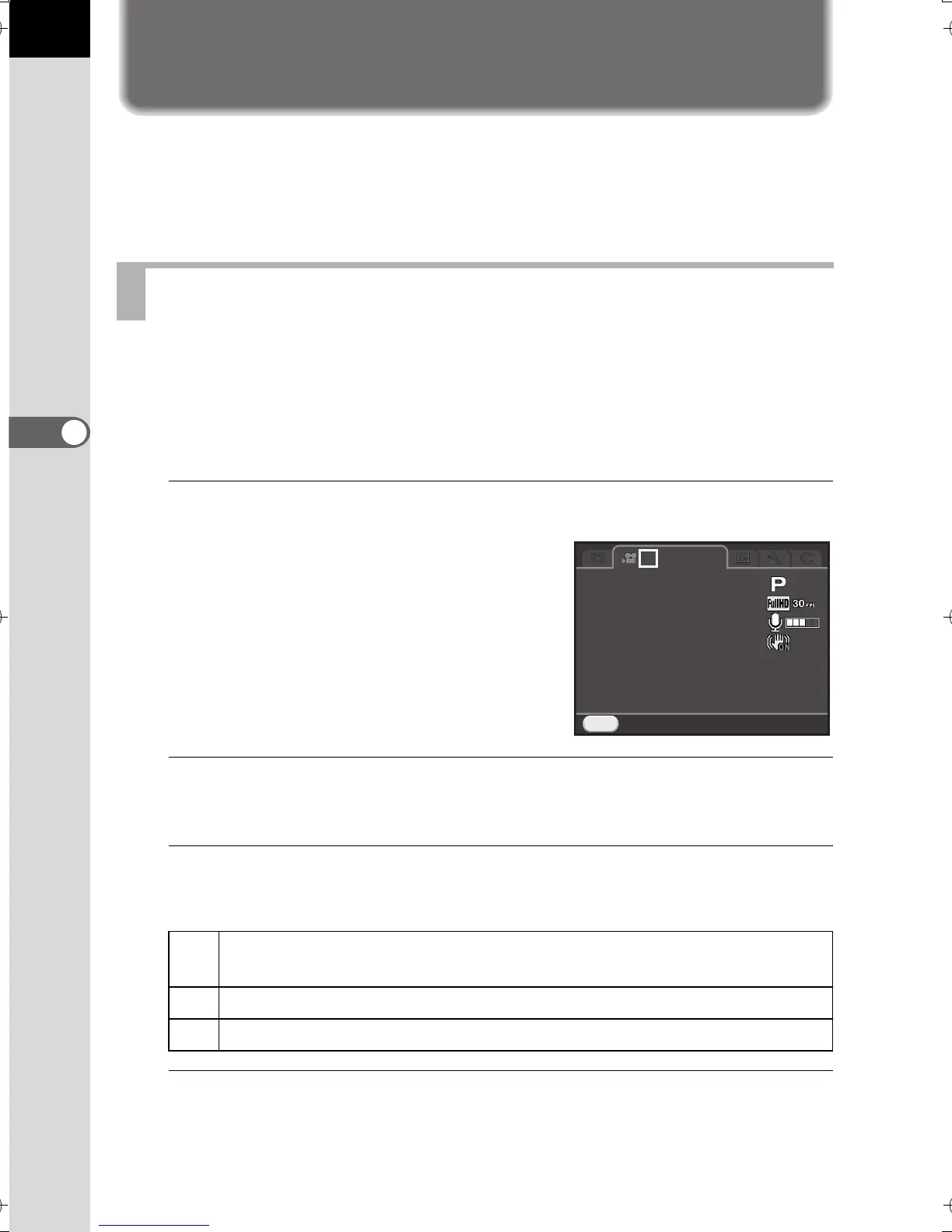
Below, how to change the settings from the [C Movie 1] menu is
explained as an example.
1
Set the mode dial to C, and press the 3 button.
The [C Movie 1] menu appears.
Turn the front e-dial (R) if you pressed
the 3 button in any other capture
mode.
2
Use the four-way controller (23) to select [Exposure Setting],
and press the four-way controller (5).
3
Use the four-way controller (23) to select e, c or a,
and press the 4 button.
4
Use the four-way controller (23) to select [Movie Capture
Settings], and press the four-way controller (5).
The [Movie Capture Settings] screen appears.
Changing the Settings for Movie Recording
e
Sets the exposure automatically. Allows you to adjust the EV
compensation value. (default setting)
c
Allows you to set the aperture and EV compensation values.
a
Allows you to set the shutter speed, aperture value, and sensitivity.
MENU
1
Exit
Exposure Setting
Movie Capture Settings
Recording Sound Level
Movie SR
Interval Movie
e_kb524_84percent.book Page 128 Friday, June 15, 2012 12:13 PM



 To Next Page