162
Shooting Settings
5
Customizing the Button/E-dial
Functions
Functions can be assigned to the front/rear e-dial, V/Y button, and
=/L button.
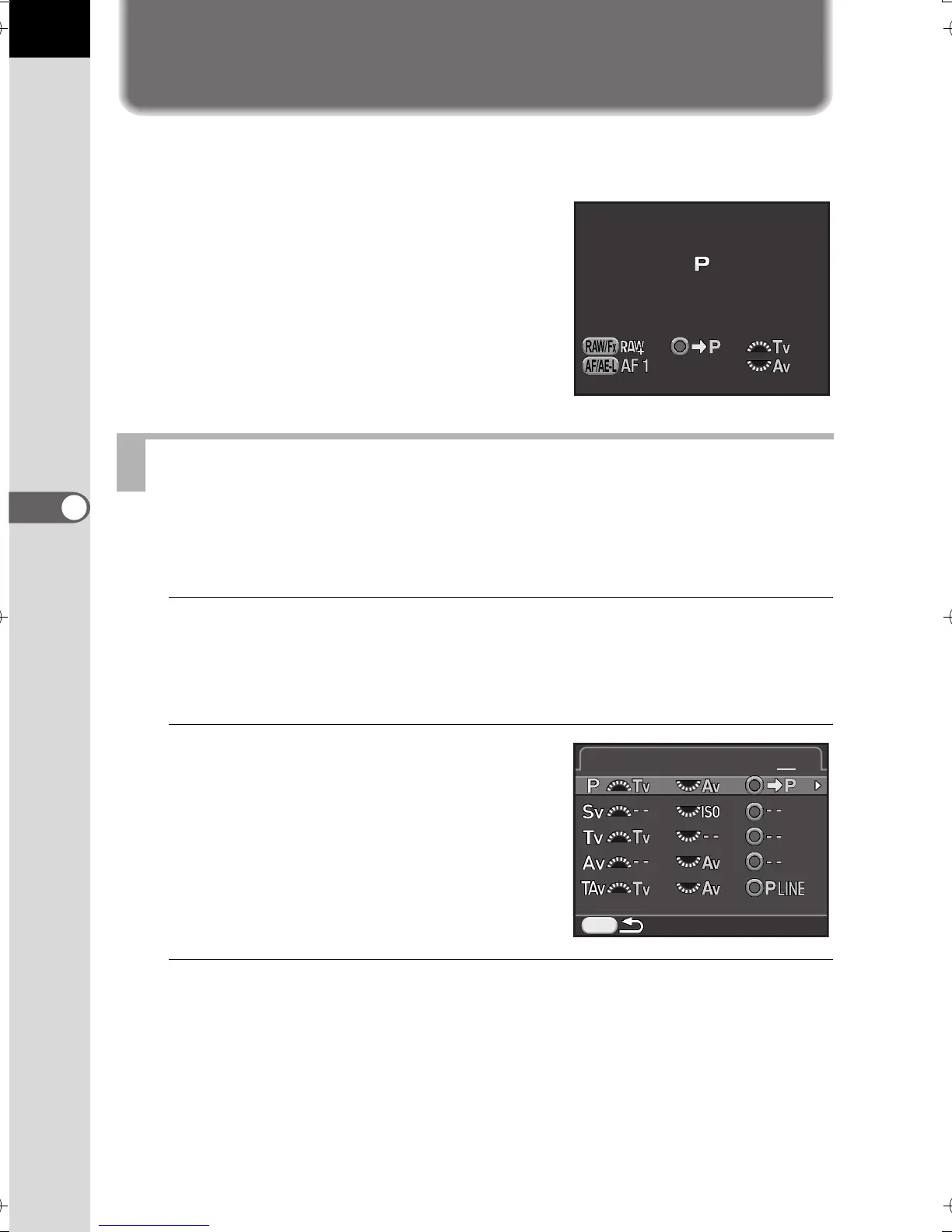
The current functions assigned to the
buttons/dials can be checked with guide
display.
For each exposure mode, you can select the parameters for when the front
and rear e-dials and | button are operated.
1
Select [E-Dial Programming] in the [A Rec. Mode 4] menu,
and press the four-way controller (5).
The [E-Dial Programming 1] screen appears.
2
Use the four-way controller (23)
to select an exposure mode.
Turn the rear e-dial (S) to display the
[E-Dial Programming 2] screen.
3
Press the four-way controller (5).
The screen for the selected exposure mode appears.
Setting the E-dials Operation
Program
Automatic Exposure
MENU
E-Dial Programming
1 2
e_kb524_84percent.book Page 162 Friday, June 15, 2012 12:13 PM



 To Next Page