135
Shooting Functions
4
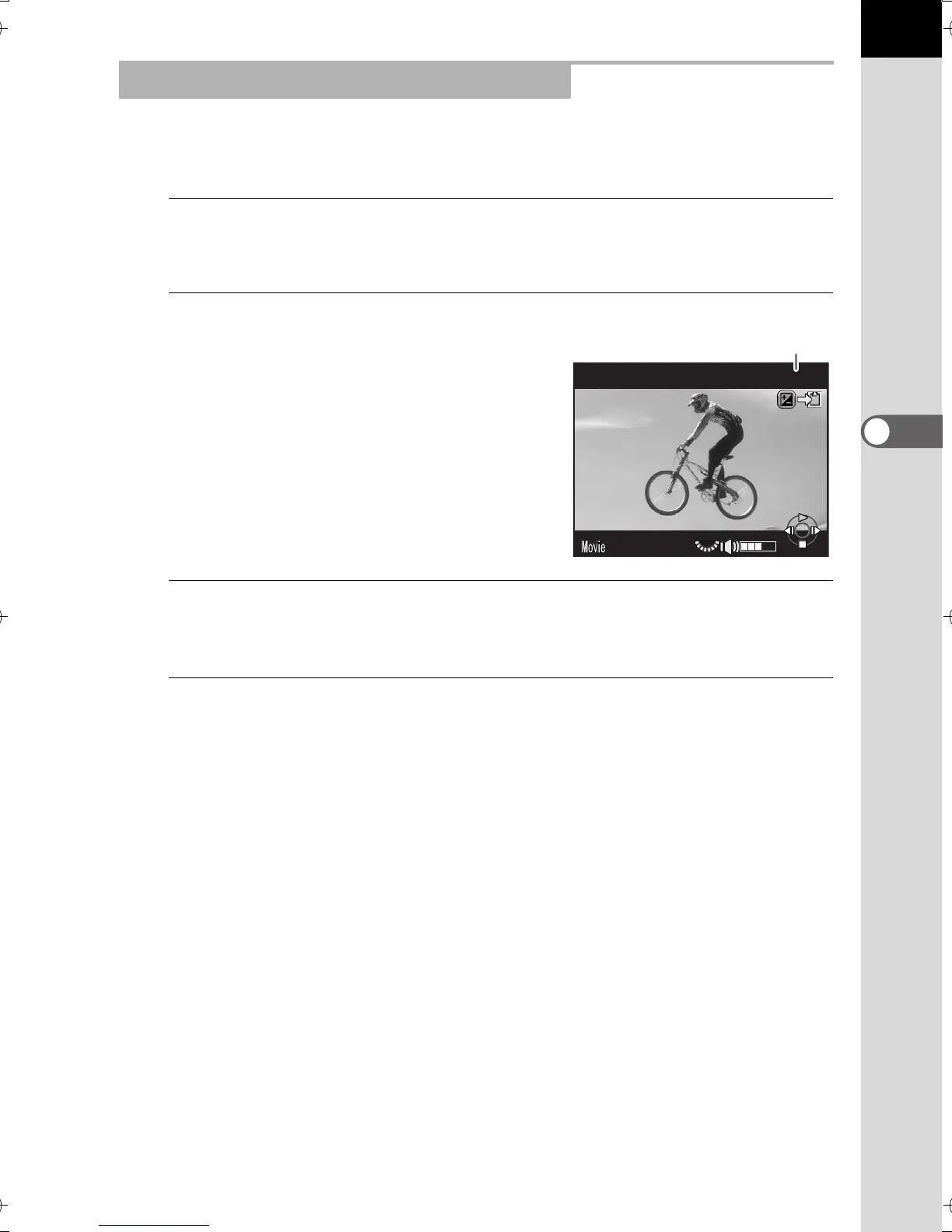
You can capture a single frame from a movie and save it as a JPEG still
picture.
1
Press the four-way controller (2) in Step 2 on p.134 to pause
the movie.
2
Use the four-way controller (45)
to display the frame to save as a still
picture.
3
Press the m button.
The save confirmation screen appears.
4
Use the four-way controller (23) to select [Save as], and
press the 4 button.
The captured image from the movie is saved in JPEG format.
Capturing a Still Picture from a Movie
10'00"
90/1800
Frame number/
Total number of frames
e_kb524_84percent.book Page 135 Friday, June 15, 2012 12:13 PM



 To Next Page