243
Using the Flash
9
Set the camera to wireless flash mode when using an external flash in
combination with the built-in flash.
1
Remove the external flash unit after the channel is set on the
camera, and place it at the desired location.
2
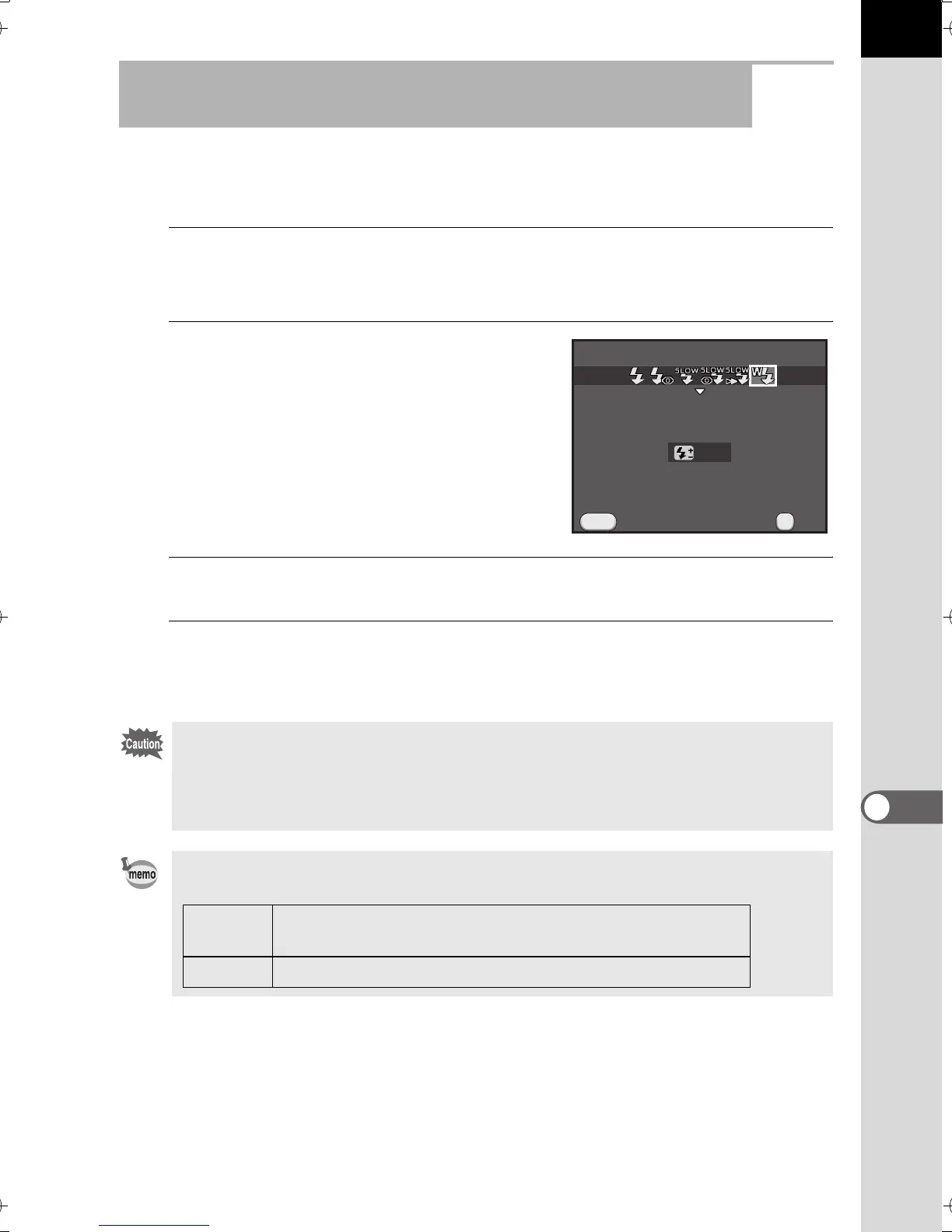
Set the camera’s flash mode to r.
The camera is ready to take a picture.
The channel for the built-in flash is
displayed in the viewfinder.
3
Press the E button.
4
Confirm that both flashes are fully charged, and then take
a picture.
Wireless Shooting Using a Combination of the Built-in
Flash and an External Flash Unit
r is not available in the following situations.
• In C mode
• when the drive mode is set to [Remote Control (3 sec. delay)]
• when the lens aperture ring is set to a position other than s
You can change the built-in flash discharge method used in wireless mode. Set
in [18. Flash in Wireless Mode] of the [A Custom Setting 3] menu.
Cancel
MENU
Wireless Mode
OK
OK
0.0
On
Discharges the built-in flash as a master flash. (default
setting)
Off Discharges the built-in flash as a control flash.
e_kb524_84percent.book Page 243 Friday, June 15, 2012 12:13 PM



 To Next Page