88
Shooting Functions
4
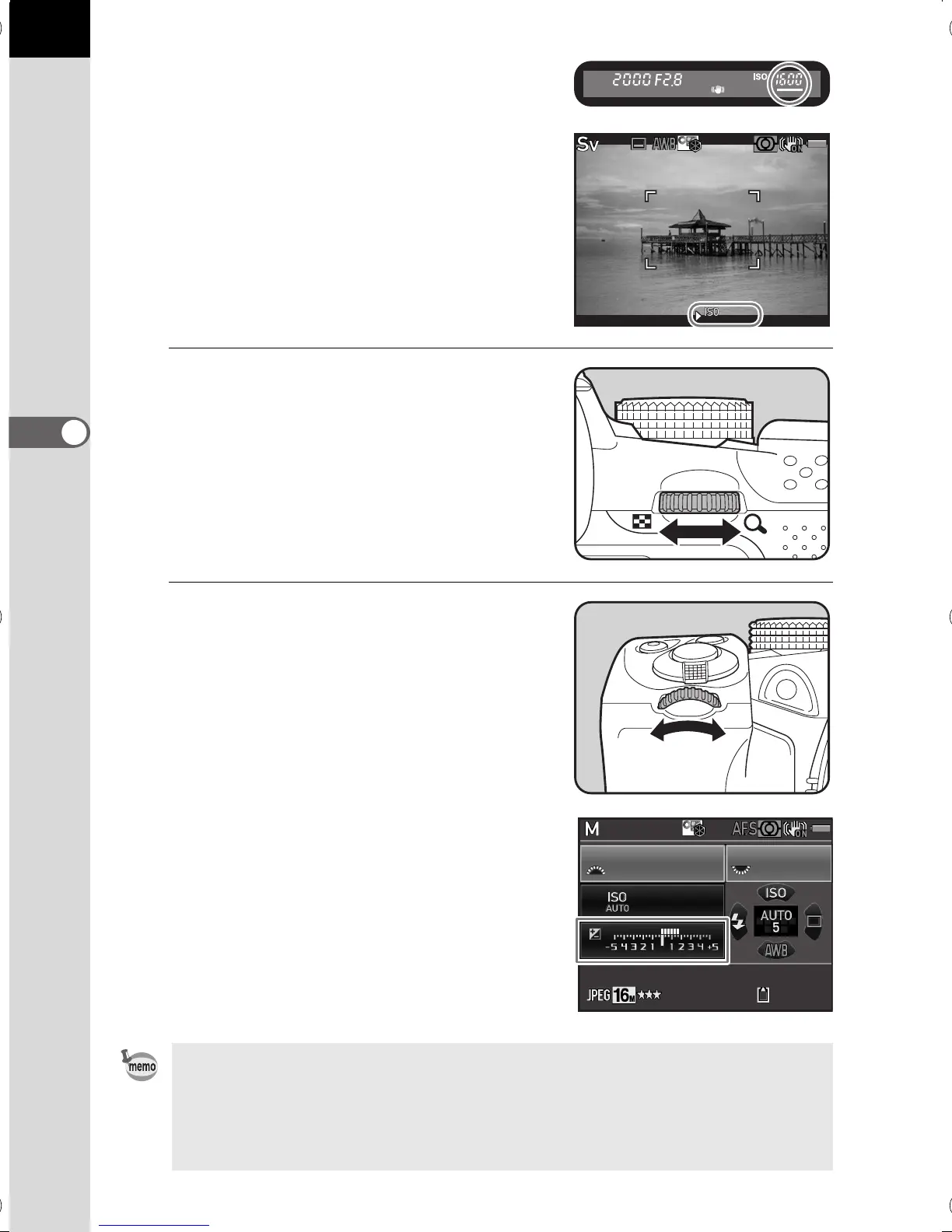
The value that can be changed is
underlined in the viewfinder.
During Live View, 5 appears for the
value that can be changed.
2
Turn the rear e-dial (S).
The aperture value can be changed in
c, L, a, or p mode.
The sensitivity can be changed in K
mode.
3
Turn the front e-dial (R).
The shutter speed can be changed in b,
L, or a mode.
In a mode, the difference from the proper
exposure is displayed in a bar scale while
the shutter speed or aperture value is
adjusted. The exposure value blinks red
when the difference from the proper
exposure is ±3.0 or larger.
• The proper exposure may not be obtained with the selected shutter speed
and aperture value when the sensitivity is set to a fixed value (p.85).
• For each exposure mode, you can set the functions for when the front/rear e-
dial or the d button is operated. Set in [E-Dial Programming] of the [A Rec.
Mode 4] menu. (p.162)
1/
2000
F2.8
1600
[
128
]
1/
125
200
5.6F
128
e_kb524_84percent.book Page 88 Friday, June 15, 2012 12:13 PM



 To Next Page