67
Basic Operations
3
3
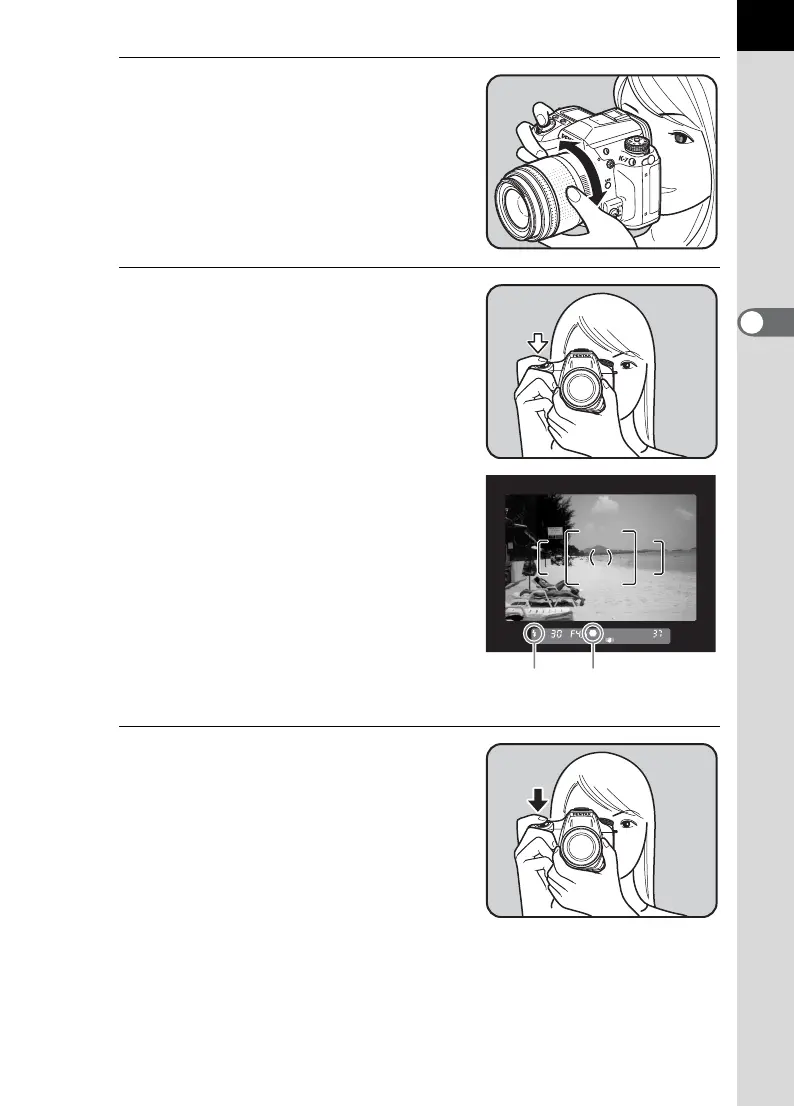
Look through the viewfinder to
view the subject.
A zoom lens can be used to change the
size of the subject in the viewfinder.
(p.71)
4
Position the subject inside the
AF frame and press the shutter
release button halfway.
The autofocus system operates. The
focus indicator ] appears in the
viewfinder when focused.
AF assist light turns on in a dark or backlit
location, but the flash does not pop up
automatically. If the flash is necessary,
the flash status E blinks in the viewfinder.
Press the E button to pop up the flash.
1 Operating the shutter release button
(p.69)
1 Subjects that are Difficult to Focus
on (p.70)
1 Using the Built-in Flash (p.72)
1 Selecting the Focusing Area (AF
Point) (p.122)
5
Press the shutter release button
fully.
The picture is taken.
Focus indicator
Flash
status



 To Next Page
 Loading...












