73
Basic Operations
3
The flash modes that can be selected differ depending on the exposure
mode.
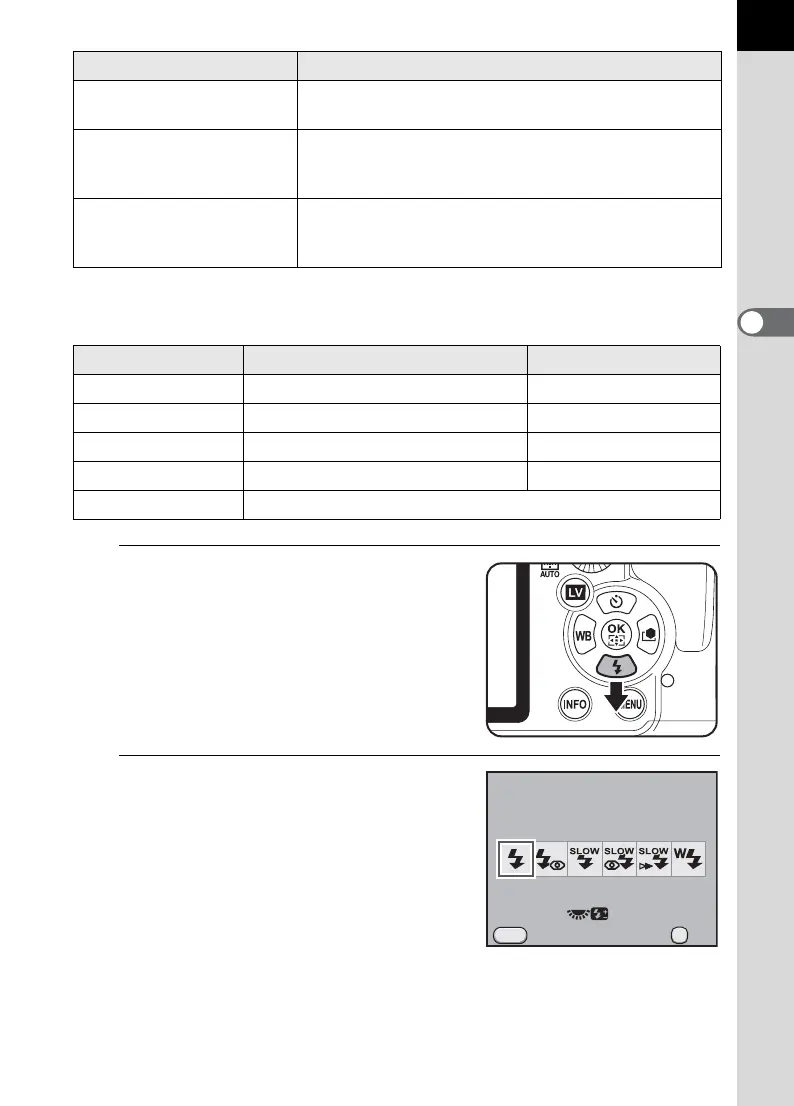
1
Press the four-way controller (3)
in Capture mode.
The [Flash Mode] screen appears.
2
Use the four-way controller (45)
to select a flash mode.
When not in B (Green) mode, turn the
rear e-dial (S) to perform the flash
exposure compensation. (p.76)
H
Slow-speed Sync+
Red-eye
Lights a red-eye reduction light before discharging
the flash with Slow-speed Sync.
I
k
Trailing Curtain
Sync
Discharges flash immediately before closing the
shutter curtain. Capture moving images as if they are
leaving a trail behind. (p.170)
r
Wireless Mode
You can synchronize a dedicated external flash
(AF540FGZ or AF360FGZ) without using a sync
cord.
(p.176)
Exposure Mode Selectable Flash Mode Restrictions
BC/D No flash compensation
b/L/a/p E/F/k/r –
ME/F/r –
e/c/KE/F/G/H/I/r –
A According to the saved settings
Flash Mode Function
Flash Mode
Flash On
Cancel
MENU
0.0
OK
OK



 To Next Page