280
Changing Additional Settings
9
Correcting Defective Pixels in the
CMOS Sensor (Pixel Mapping)
Pixel mapping is a function for mapping out and correcting for defective
pixels in the CMOS sensor.
1
Select [Pixel Mapping] in the [R Set-up 4] menu and press
the four-way controller (5).
The [Pixel Mapping] screen appears.
2
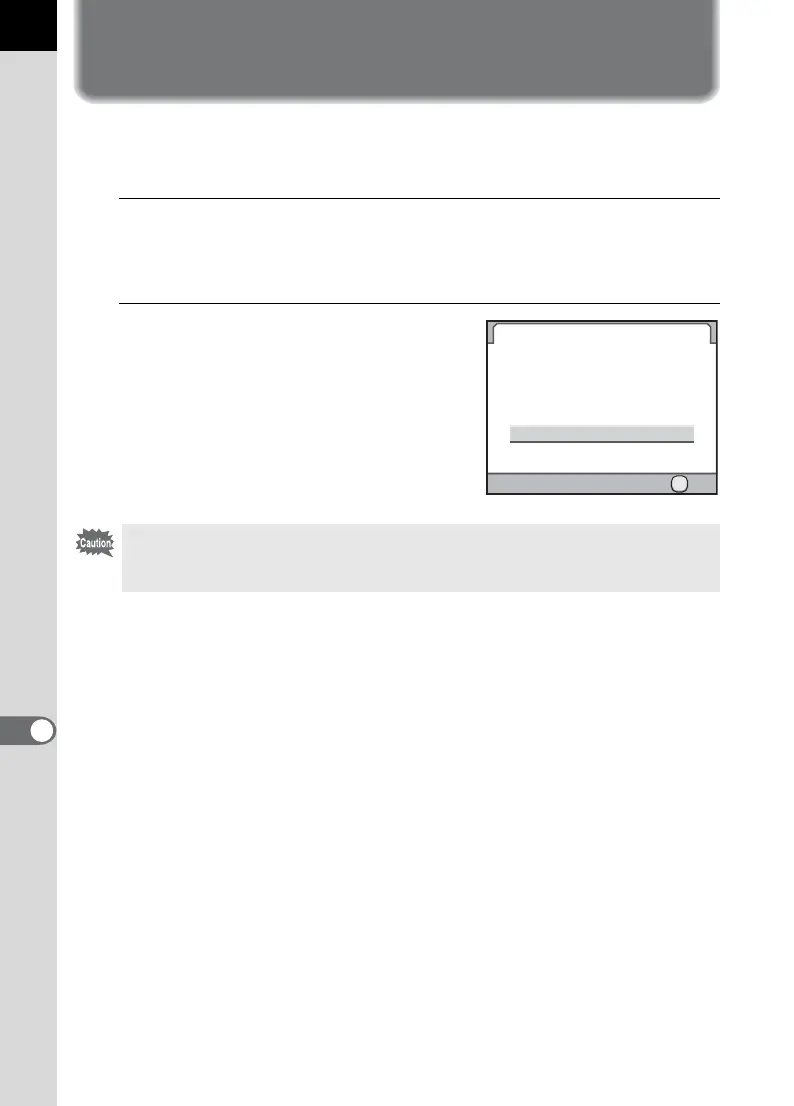
Press the four-way controller (2)
to select [Pixel Mapping] and
press the 4 button.
Defective pixels are mapped and
corrected, and the screen that was
displayed before selecting the menu
appears again.
When the battery level is low, [Not enough battery power remaining to activate
Pixel Mapping] is displayed on the monitor. Use the AC adapter kit K-AC50
(optional) or change the battery with ample power remaining.
Pixel Mapping
Cancel
Pixel Mapping
Checks the image sensor
and then adjust
OK
OK



 To Next Page