143
Shooting Functions
4
Taking Pictures Continuously
Pictures can be taken continuously while the shutter release button is held
down.
This camera has the following two types of continuous shooting.
1
Press the four-way controller (2) in Capture mode.
The [Drive Mode] screen appears.
2
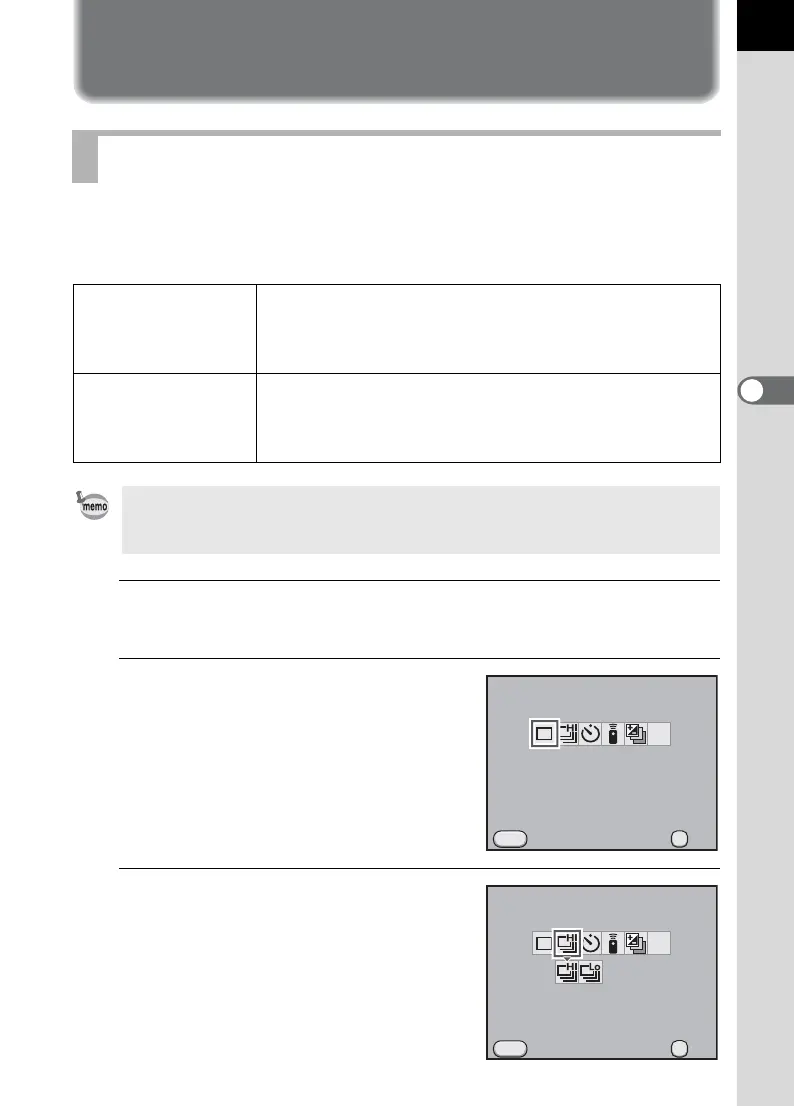
Use the four-way controller (45)
to select g.
3
Press the four-way controller (3)
and use the four-way controller
(45) to select g or h.
Continuous Shooting
g
Continuous
Shooting (Hi)
When [JPEG Recorded Pixels] is set to W and [JPEG
Quality] is C, pictures are taken continuously at
approximately 5.2 frames per second. Up to 40 frames
can be shot in one sequence.
h
Continuous
Shooting (Lo)
When [JPEG Recorded Pixels] is set to W and [JPEG
Quality] is C, pictures are taken continuously at
approximately 3.3 frames per second. Pictures can be
taken continuously until the SD Memory Card is full.
When the file format is [RAW], up to 15 frames (PEF) for g (Continuous
Shooting (Hi)) or up to 17 frames (PEF) for h (Continuous Shooting (Lo)) can
be taken continuously.
Drive Mode
Single Frame Shooting
Cancel
MENU
MUP
OK
OK
Drive Mode
Continuous Shooting (Hi)
Cancel
MENU
MUP
OK
OK



 To Next Page