83
Shooting Functions
4
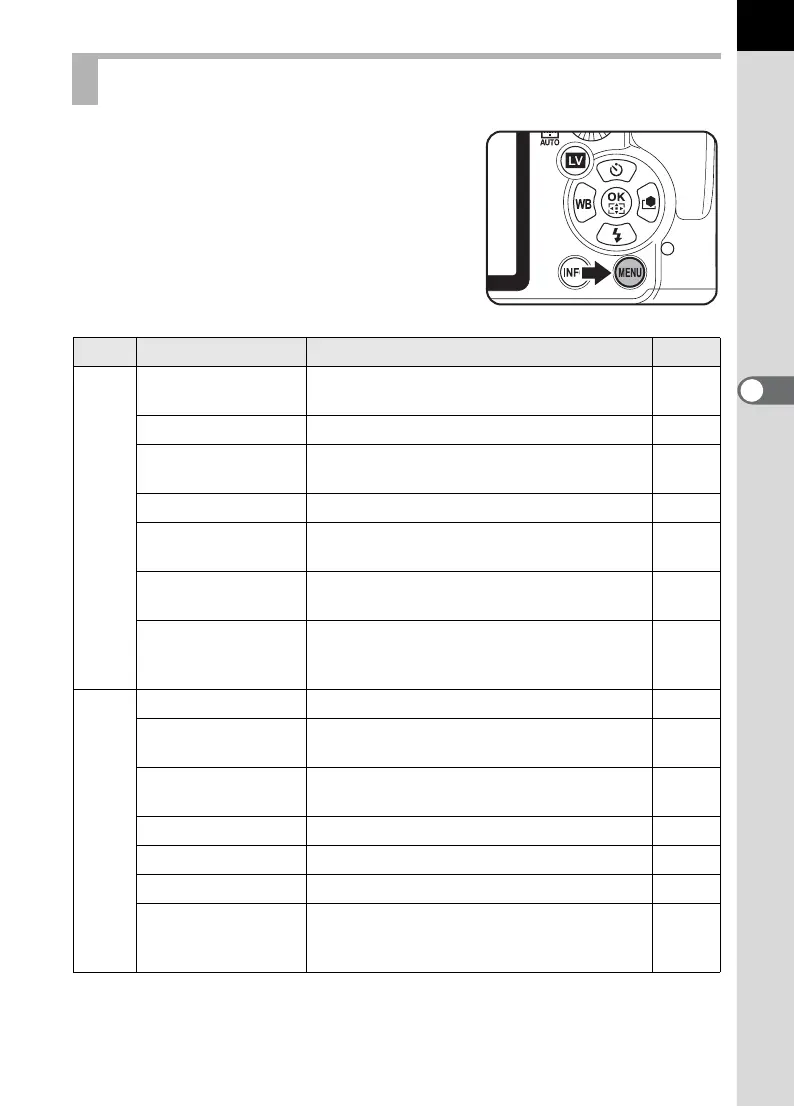
Perform the following settings in the [A Rec.
Mode 1-4] menu.
Press the 3 button in Capture mode to
display [A Rec. Mode 1] menu.
Rec. Mode Menu Setting Items
Menu Item Function Page
A1
Exposure Mode
*1
Sets the exposure mode when the mode
dial is set to A.
p.209
File Format
*2
Sets the file format. p.188
JPEG Recorded
Pixels
*2
Sets the recording size of images for
JPEG shooting.
p.186
JPEG Quality
*2
Sets the image quality for JPEG shooting. p.187
ISO AUTO Setting
*2
Sets the range of automatic correction in
AUTO.
p.90
D-Range Setting
*2
Expands the dynamic range and prevents
bright and dark areas from occurring.
p.199
Lens Correction
*2
Corrects distortions and chromatic
aberrations of magnification occurring due
to lens properties.
p.201
A2
Program Line
*2
Selects Program Line. p.94
Extended
Bracketing
*2
Sets the Extended Bracketing shooting. p.151
HDR Capture
*2
Enables the capture of images at high
dynamic range.
p.200
Digital Filter
*2
Applies filter effects when taking pictures. p.153
Multi-exposure Sets the Multi-exposure shooting. p.146
Interval Shooting Sets the interval shooting. p.144
Composition
Adjust.
Adjusts the Shake Reduction unit for a
better composition position and a more
level camera.
p.203



 To Next Page