22
Before Using Your Camera
1
Display Indicators
The following indicators appear
on the monitor depending on
the status of the camera.
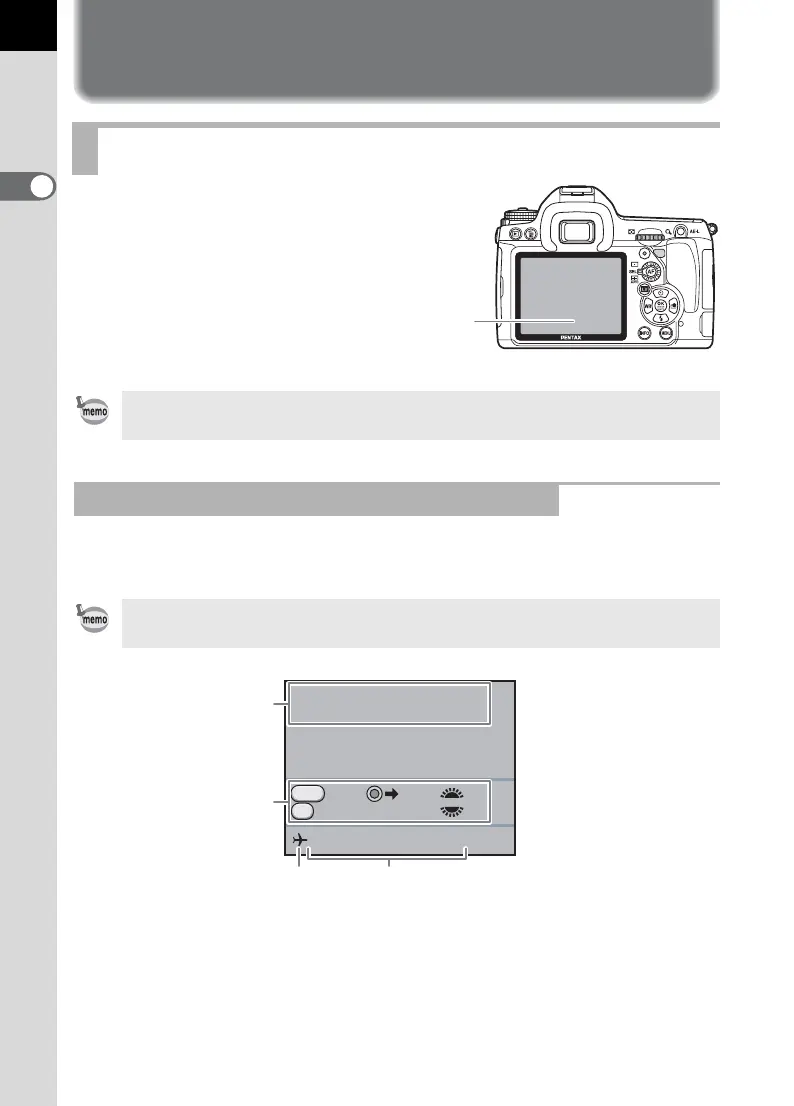
Guides appear on the monitor for 3 seconds (default setting) when the
camera is switched on or the mode dial is turned.
* 3 appears only when [World Time] is set to [Destination].
Monitor
The brightness or the color of the monitor can be adjusted. (p.264)
At Start-up or when Operating the Mode Dial
Select [Off] for [Guide Display] in the [R Set-up 1] menu to not show indicators.
(p.262)
1 Exposure Mode (p.93) 3 World Time (p.258)
2 Operation guide 4 Date and Time (p.61)
Monitor
P
Program
Automatic Exposure
05/05/2009
RAW Tv
Av
Cancel AF
10:30AM
RAW
AF
P
1
2
34



 To Next Page