69
4
Taking Pictures
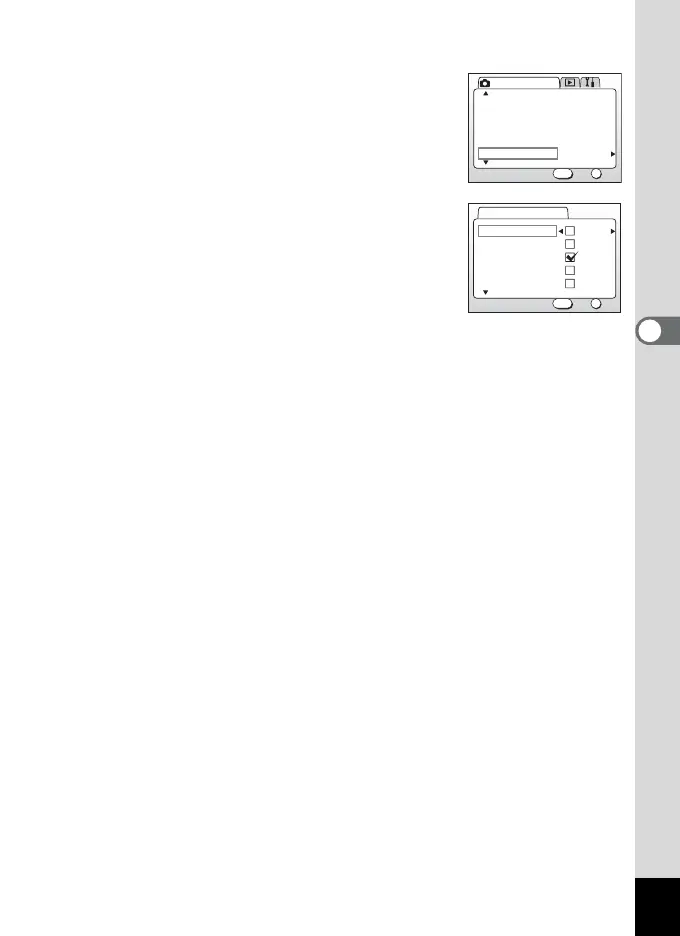
1 Press the MENU button in Capture mode.
2 Press the four-way controller (23)
to select [Memory].
3 Press the four-way controller (5).
The Memory menu will be displayed.
4 Press the four-way controller (23)
to select the item.
5 Press the four-way controller (45)
to select O (On) or P (Off).
6 Press the OK button 2 times.
The camera is ready to take a picture.
On
AutoSensitivity
Digital Zoom
Interval Shoot
Movie
Memory
Rec. Mode
OK
OK
2/3
Exit
MENU
Flash
White Balance
EV Compensation
Digital Zoom
AE Metering
OK
OK
Exit
MENU
Memory
1/2



 To Next Page