141
5
Editing and Printing Images
4
Press the 4 button.
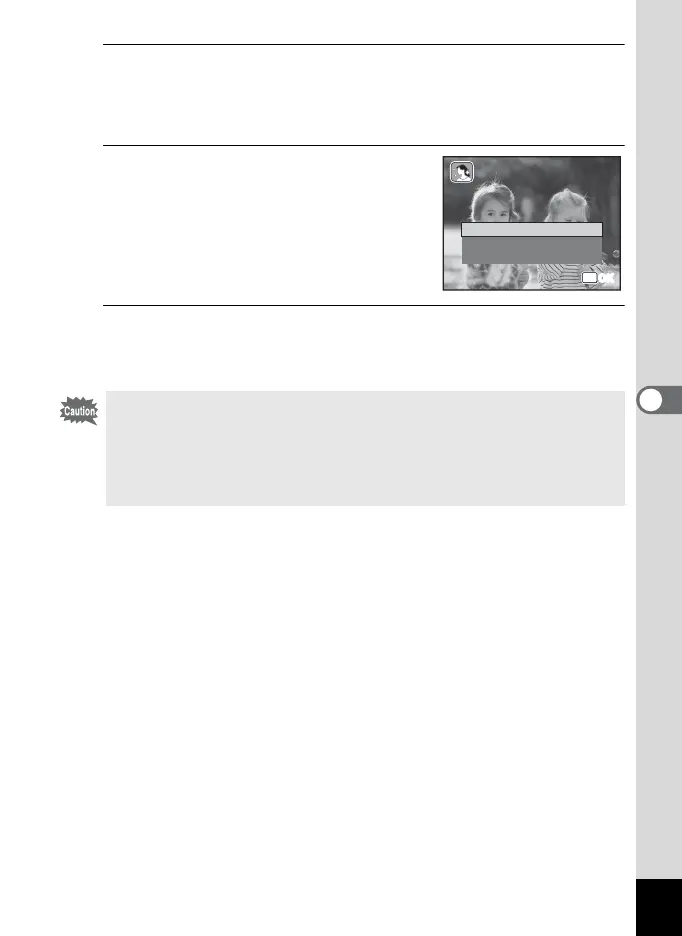
A confirmation dialog for overwriting the image appears.
If the selected image is protected, the processed image is saved as a
new image and the following confirmation dialog does not appear.
5
Use the four-way controller (23)
to select [Overwrite] or [Save as].
6
Press the 4 button.
The processed image is saved with the same number of recorded
pixels and quality level as the original.
• The natural skin tone function cannot be used on panoramic images,
images taken with I (16-frame shooting) mode, movies or on images
where people’s faces cannot be detected on the camera. An error
message appears in Step 4.
• The natural skin tone function can only be used with still pictures taken
with this camera.
Overwrite
Save as
Cancel
OK
OK
OK
OK
Overwrit
original image
Overwrite
original image?



 To Next Page
 Loading...








