103
3
Taking Pictures
4
Press the 3 button.
The camera returns to capture status.
One of the following icons appears on the display.
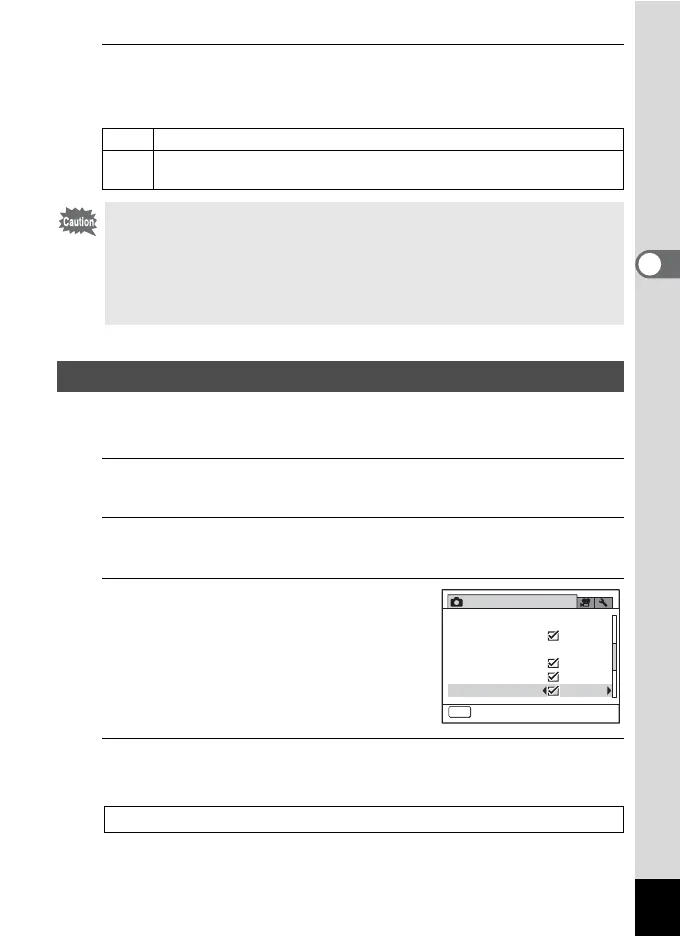
Use this setting to specify whether or not an Instant Review is displayed
immediately after each image is taken. The default setting is O (On).
1
Press the 3 button in A mode.
The [A Rec. Mode] menu appears.
2
Use the four-way controller (23) to select [Instant
Review].
3
Use the four-way controller (45)
to select O or P.
O Instant Review is displayed.
P Instant Review is not displayed.
4
Press the 3 button.
The camera returns to capture status.
M
When [Shake Reduction] is set to O
l
When [Shake Reduction] is set to P (Off) (If the camera shake is likely
to occur, f is indicated when the shutter button is pressed halfway.)
The Shake Reduction function does not work in the following situations:
- When S (Fireworks) is selected as the shooting mode
- When recording a movie
- When g (Self-timer) is selected as the drive mode
- When the flash discharges
- During Voice Recording
Setting the Instant Review
Instant Review 1p.67
Rec. Mode
2/3
Instant Review
MENU
Exit
Shake Reduction
Digital Zoom
D-Range Setting
Face Detection On
Blink Detection



 To Next Page
 Loading...







