79
3
Taking Pictures
1
Press the four-way controller (3) in A mode.
The Capture Mode Palette appears.
2
Use the four-way controller (2345) to select \ or Q.
3
Press the 4 button.
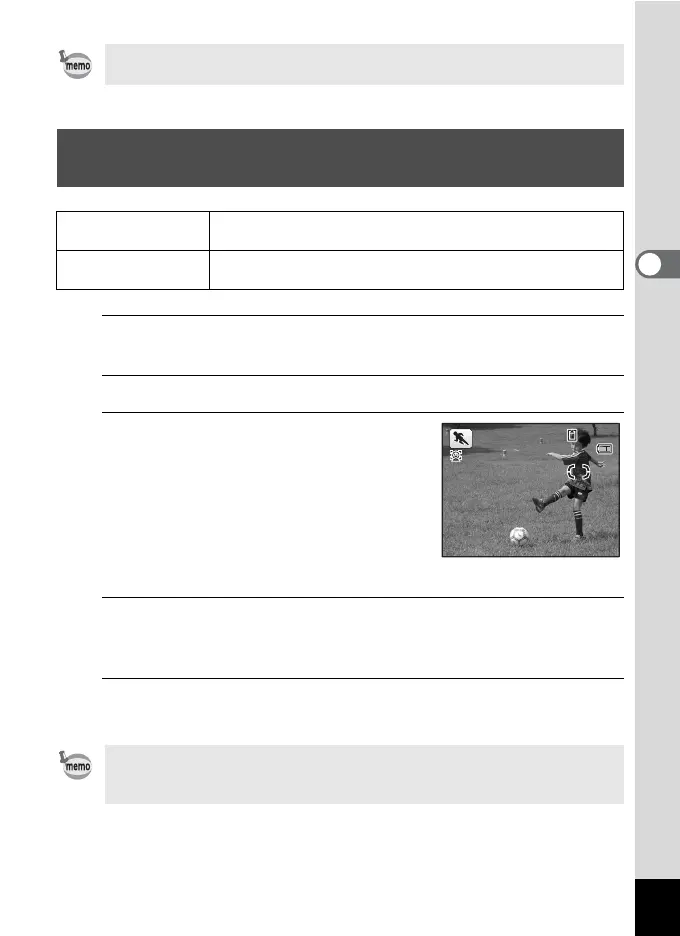
The \ or Q mode is selected and the
camera returns to capture status. In \
mode, the camera tracks the subject and
continues to focus on it.
When the camera detects a person’s face,
the Face Detection function is activated and
the face detection frame appears (p.69).
4
Press the shutter release button halfway.
The focus frame on the display turns green when the camera focuses
on the subject at the correct distance.
5
Press the shutter release button fully.
The picture is taken.
When [Focusing Area] (p.91) is set to J (Multiple) or K (Spot), focus
can be locked by pressing the shutter release button halfway.
Taking Pictures of Sports and Leisure Activities
(Sport/Surf & Snow Mode)
\
Sport
For a fast moving subject. Tracks the subject until the picture
is taken.
Q
Surf & Snow
For bright images such as sand or snow. Accurately meters for
bright scenes.
When [Focusing Area] (p.91) is set to J (Multiple) or K (Spot) in \
mode, focus can be locked by pressing the shutter release button
halfway.
38
38
14:25
14:25
03/03/2011
03/03/2011











 To Next Page