182
8
Connecting to a Computer
Connecting to a Computer
Set the device to which the camera is connected with the USB cable.
1
Turn your camera on.
2
Press the 3 button in Q mode.
The [W Setting] menu appears.
3
Use the four-way controller (23) to select [USB
Connection].
4
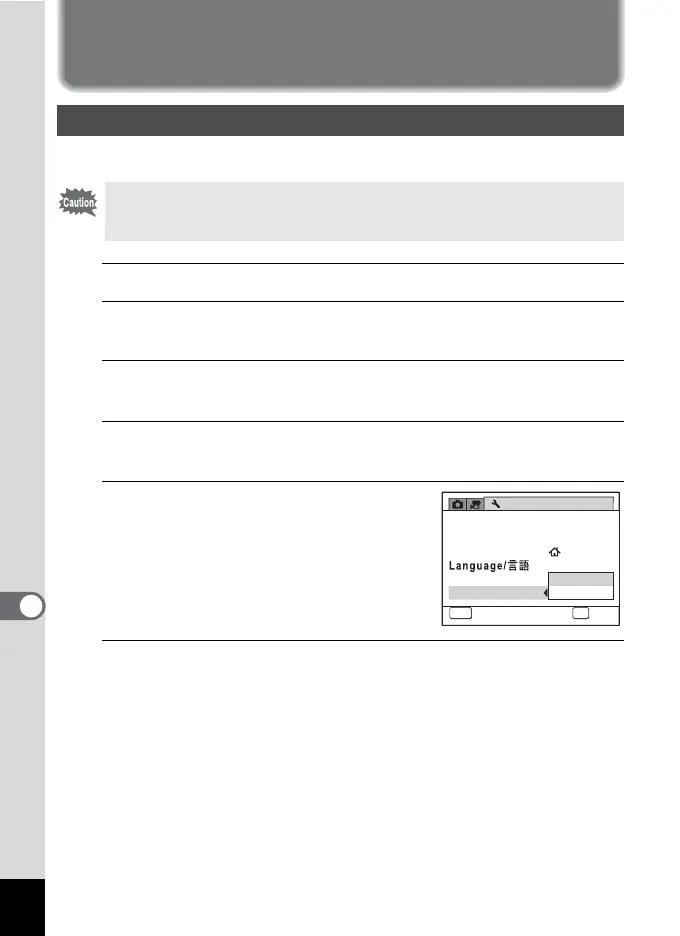
Press the four-way controller (5).
A pull-down menu appears.
5
Use the four-way controller (23)
to select [MSC].
6
Press the 4 button.
The setting is saved.
Setting the USB Connection Mode
Make sure to set the USB Connection mode before connecting your
camera to a computer. You cannot perform the following setting if your
camera is connected to a computer with the USB cable.
Setting
1/3
MENU
Cancel
OK
OK
MSC
PTP
Sound
Date Adjustment
World Time
Folder Name
USB Connection
03/03/2011
English



 To Next Page
 Loading...







