117
4
Playing Back and Deleting Images
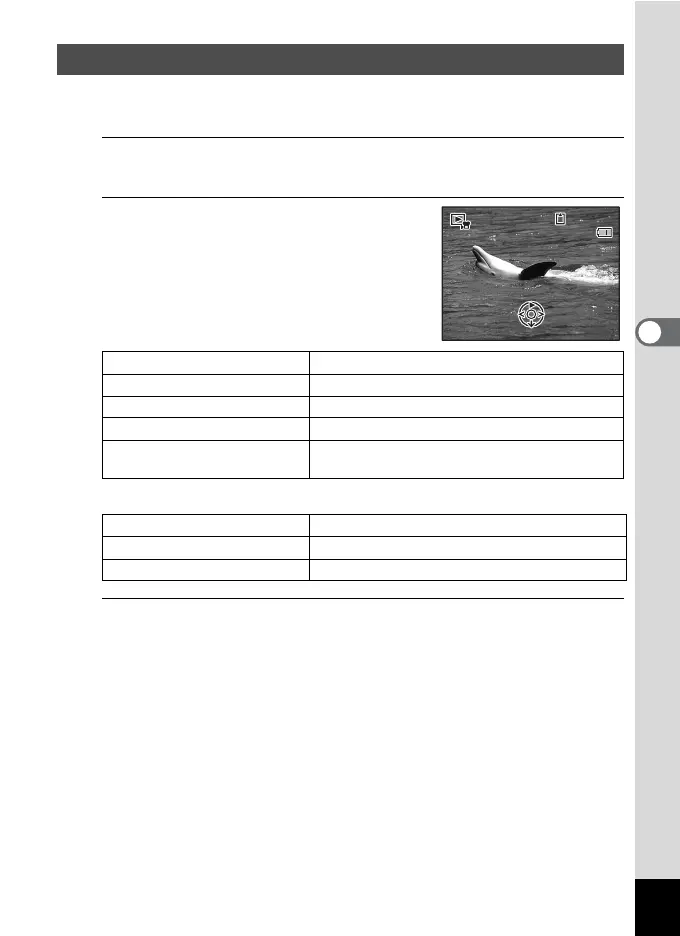
You can play back the movies you have taken. Recorded sound is
played back at the same time.
1
In Q mode, use the four-way controller (45) to
choose the movie you want to play back.
2
Press the four-way controller (2).
Playback starts.
Available operations during playback
Available operations while playback is paused
3
Press the four-way controller (3).
Playback stops.
Playing Back a Movie
Zoom button towards the right (
y
)
Increases the volume.
Zoom button towards the left (
f
)
Reduces the volume.
Four-way controller (2) Pauses playback.
Four-way controller (5)
Fast-forwards playback while the button is held down.
Four-way controller (4) Plays back in reverse.
Fast-reverses playback while the button is held down.
Four-way controller (2) Resumes playback.
Four-way controller (5) Forwards the frame.
Four-way controller (4) Reverses the frame.
00:30
14:25
100
-
0017
100
-
0017
03/03/2011
Edit
03/03/2011
Edit



 To Next Page
 Loading...







