188
8
Connecting to a Computer
3
Click [Computer] in the Start menu.
4
Double-click the CD/DVD drive (S-SW116) icon.
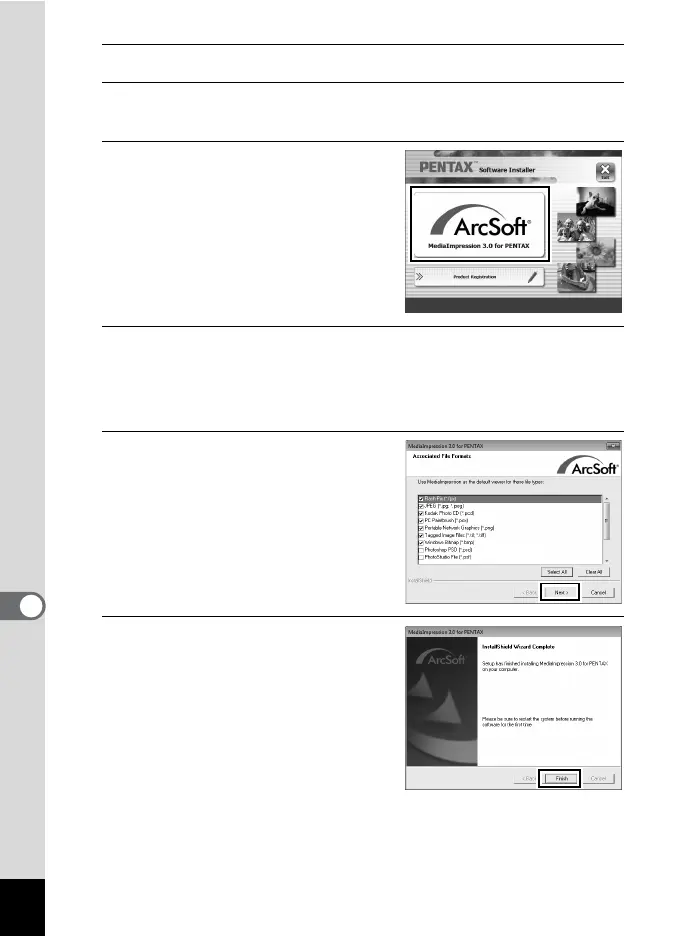
The installation screen appears.
5
Click [MediaImpression 3.0 for
PENTAX].
6
Choose a language in the “Choose Setup Language”
screen and click [OK].
The setup screen appears. Follow the on-screen guidance and install
the software.
7
Select the file format to use
and click [Next].
All files in the checked format will open
with MediaImpression. Remove the
check to open the file using another
application.
8
Click [Finish].
Installation is complete.
Remove the CD-ROM and reboot the
computer.











 To Next Page