43
1
Getting Started
2
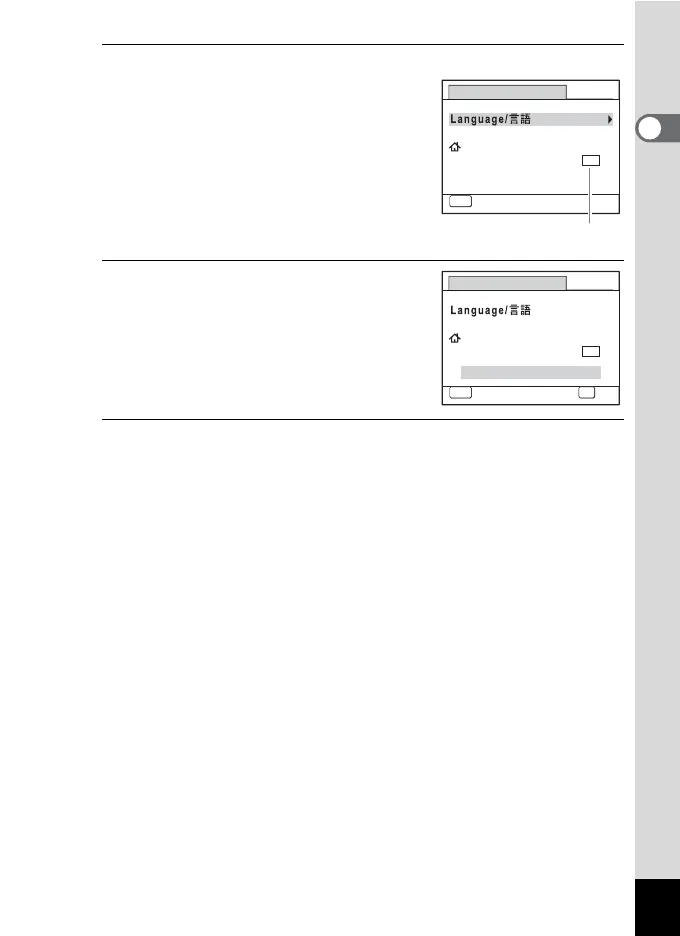
Press the 4 button.
The [Initial Setting] screen appears in the
selected language. If the desired settings
for [Hometown] and [DST] (Daylight Saving
Time) appear, proceed to Step 3.
Proceed to “To Set Hometown and DST”
(p.45) if the desired settings do not appear.
3
Press the four-way controller (3)
twice to select [Settings
complete].
4
Press the 4 button.
The [Date Adjustment] screen appears. Set the date and time by
following the procedure in “Setting the Date and Time” (p.46).
Initial Setting
MENU
Cancel
Settings complete
English
DST
OFF
OFF
Hometown
New York
Daylight saving time
Initial Setting
MENU
Cancel
Settings complete
English
DST
OFF
OFF
Hometown
New York
OK
OK











 To Next Page