VisuNet RM Shell 6
How-Tos
2023-05
159
11.10 Enable TLS 1.0 (for older Webservers)
1. Open the System Settings in the administrator role.
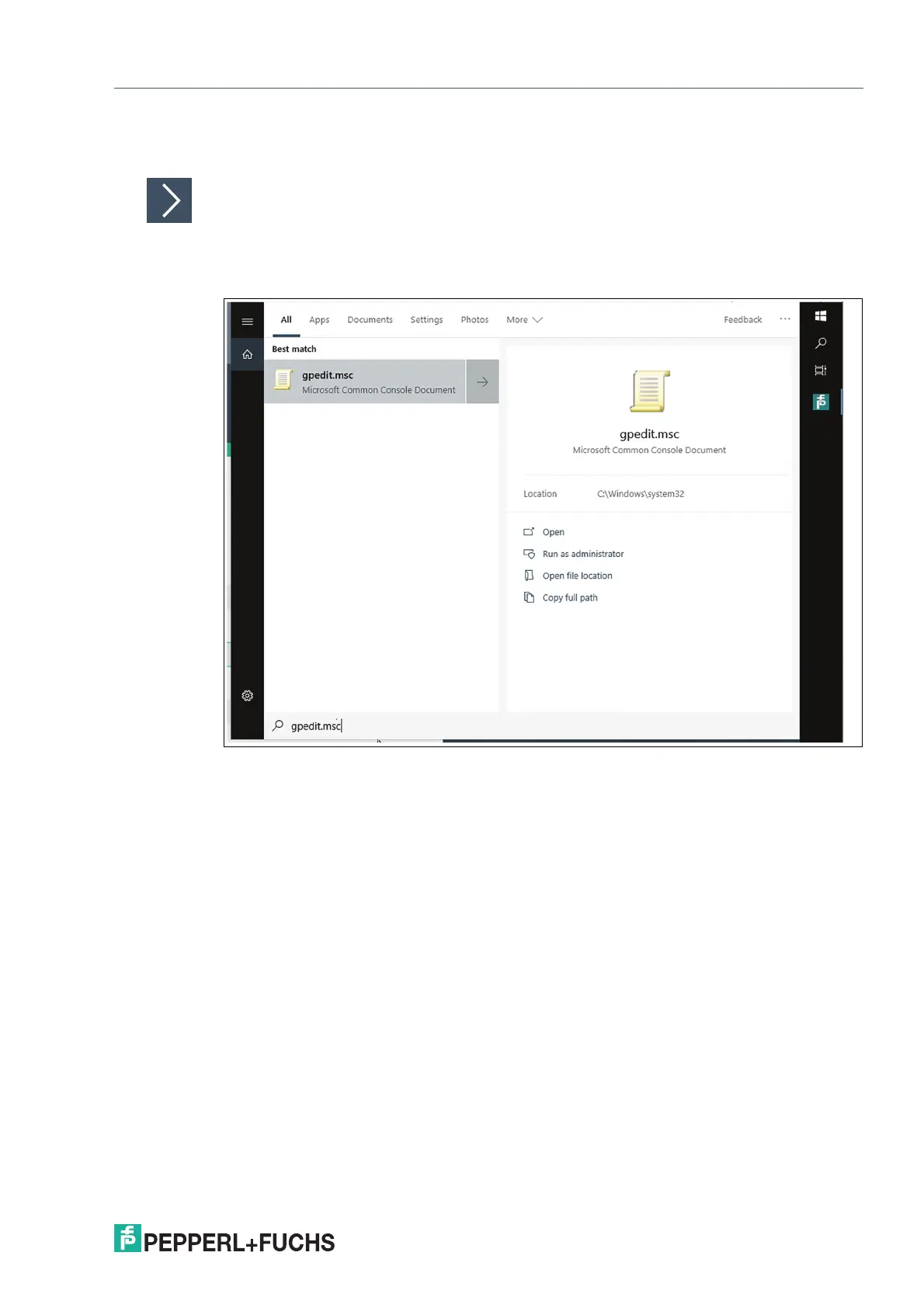
2. Open the Group Policy Editor "gpedit.msc"
Figure 11.32
3. Navigate to: Computer Configuration -> Administrative Templates -> Windows Components ->
Internet Explorer -> Internet Control Panel -> Advanced Page -> Turn off encryption support
4. Select "Turn off encryption support" and double-click to open the dialog.



 To Next Page