19
Percussionaire® Digital Multimeter (PDM) Setup
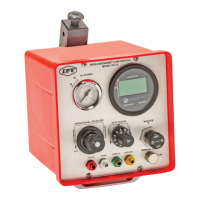
USB serial port
only used for
rmware upgrades
Side view of PDM
Install batteries into PDM
(See page 40)
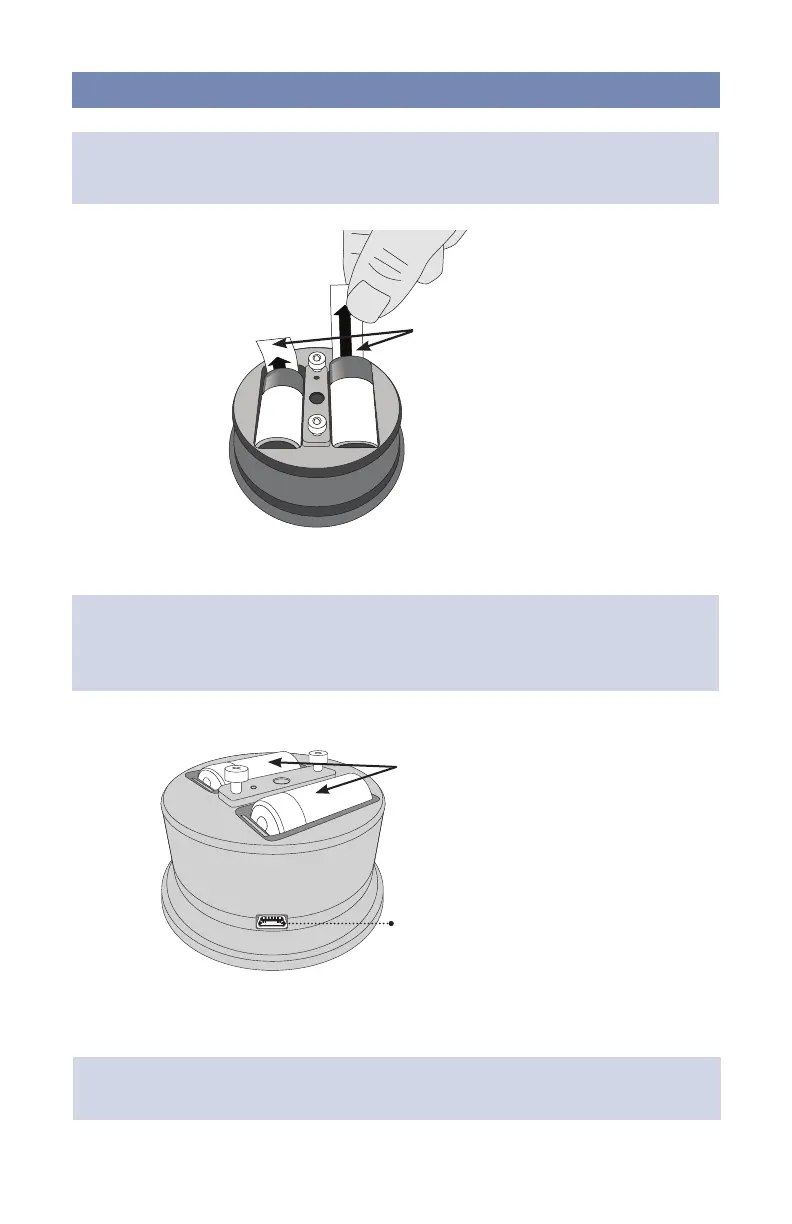
Pull up to remove both tabs
NOTE: Remove the PDM from the IPV®-2C device, to access battery pull tabs, by turning
the PDM counterclockwise.
NOTE: To ensure correct atmospheric pressure calibration at start up, remove batteries,
wait 30 seconds and re-install. Allow 15 seconds for power on self test. When screen goes
blank, the multimeter can be installed into the device.
NOTE: The PDM has a USB serial port that is used for manufacturing, calibration and
rmware upload. It is not enabled during normal operation.


 To Next Page