26
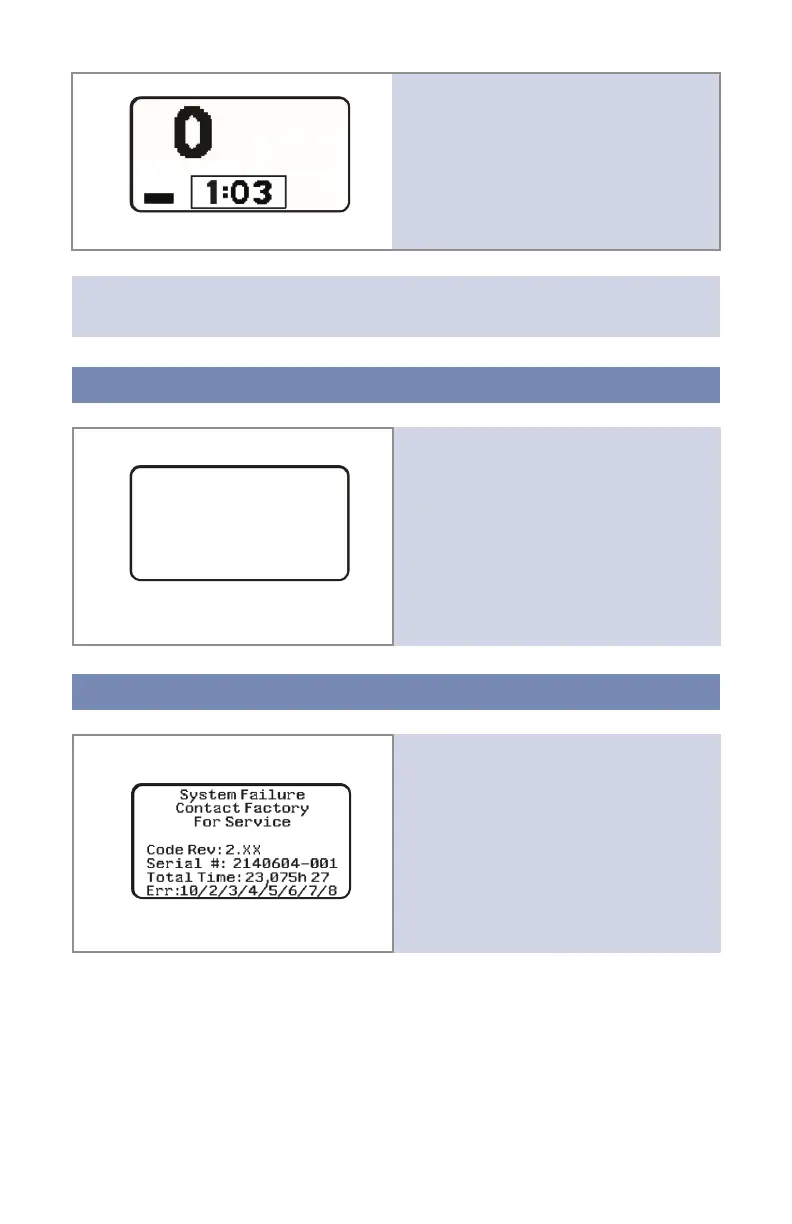
The display
screen when the
IPV®-2C ventilator
is switched o.
US IPV: IPV®-2C
NOTE: When the IPV®-2C is turned o, the measurements will drop to zeros after a few
seconds.
Sleep Mode
Fault Mode
Blank screen, indicating
PDM Sleep mode
In Sleep mode the LCD is o, but the
microcontroller continues to sample and
calculate the pressure at the measuring
port 5 times a second. Over any
3-second period, if the pressure is
greater than 2.5 cmH₂O or 2 hPa at the
Phasitron® patient delivery port, for
more than 1 second, the PDM enters
the Wake mode.
The PDM displays an error message
on the LCD stating, “Contact Factory for
Service” and stays in Fault mode until both
batteries are removed.
The displayed information includes the
software revision, PDM serial number, the
Total Usage time and an error code for the
exclusive use of the factory.
In all other modes, the software continuously monitors the hardware for errors as well
as verifying that each data sample has a valid value. If an error is detected, the software
logs the error and reboots the processor. Rebooting allows the PDM to recover from a
transient error. After reboot, the processor returns to the same mode it was in before
the reboot. If more than one error is detected in any 10-second period, it is considered a
fatal error and the software enters Fault mode.


 To Next Page