23
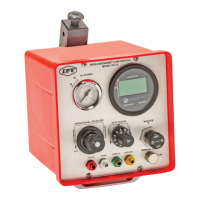
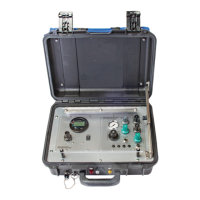
Model: US IPV
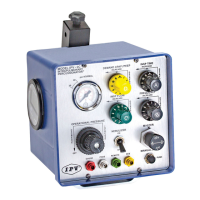
Device: IPV®-2C
Display Metrics: Pulse Frequency Rate, Pulse Amplitude Bar Graph,
Mean Airway Pressure, Session Usage Time
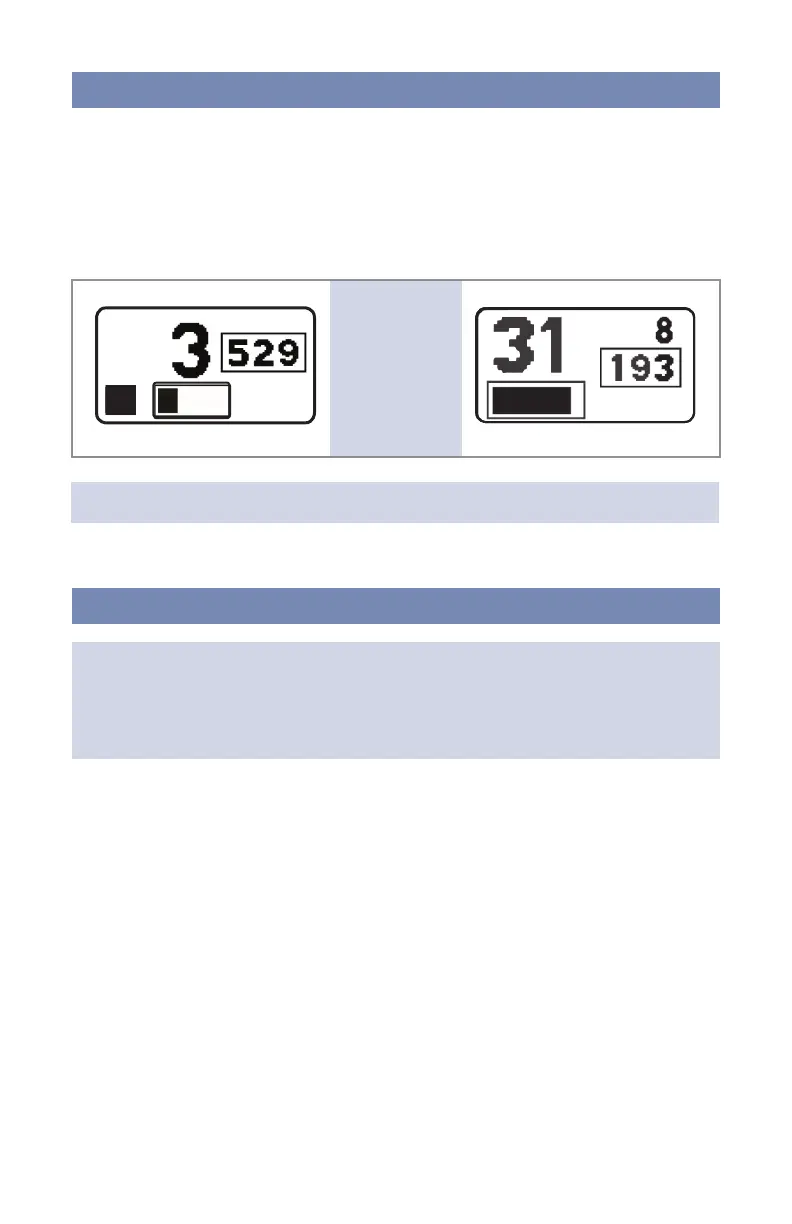
At 16 seconds the PDM enters Active mode. The timer bar will change to a numeric
display, showing the current usage Session Timer. The display on the right shows the
currently measured Pulse Frequency rate.
Mean Airway Pressure (MAP) averages pulse amplitude over 5 seconds. At 100 samples
per second, this is an average of 500 measurements.
The PDM displays the usage Session Timer in minutes and seconds. The Session Timer
is the total time of the current usage. The Session Timer can display a maximum of
59 minutes and 59 seconds. If usage has been stopped for more than 5 minutes,
the Session Timer will reset and start over.
To wake up the PDM, ensure the ventilator pressure is greater than 2.5 cmH₂O or 2 hPa at
the Phasitron®5 patient delivery port for more than 1 second.
The PDM remains on for the rst 15 seconds, showing the Bar-Graph timer.
If usage is stopped within 12 seconds, the PDM enters Report mode. After 15 seconds,
the current session continues counting from 16 seconds, which turns into Active mode.
US IPV: IPV®-2C
EUR Therapy: IPV®-2C
PDM display
screens
in Wake mode
NOTE: Display numbers are for reference only.
Wake Mode
Active Mode


 To Next Page