40
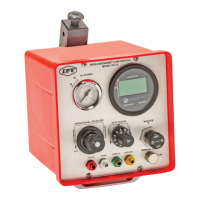
Changing PDM Batteries
A Low Battery indicator is displayed when battery capacity is nearing depletion.
1. Press on the PDM’s bezel and twist counterclockwise approximately
20 degrees.
2. Gently pull on the multimeter to remove it from the housing.
3. Remove the two old batteries.
4. Install two new batteries. Note that the positive terminals face the same
direction. Wait 30 seconds until screen turns o.
5. Install the PDM back into the housing and twist clockwise until the
stop is felt.
6. See POST mode instructions to verify display operation.


 To Next Page