29
50
0
30
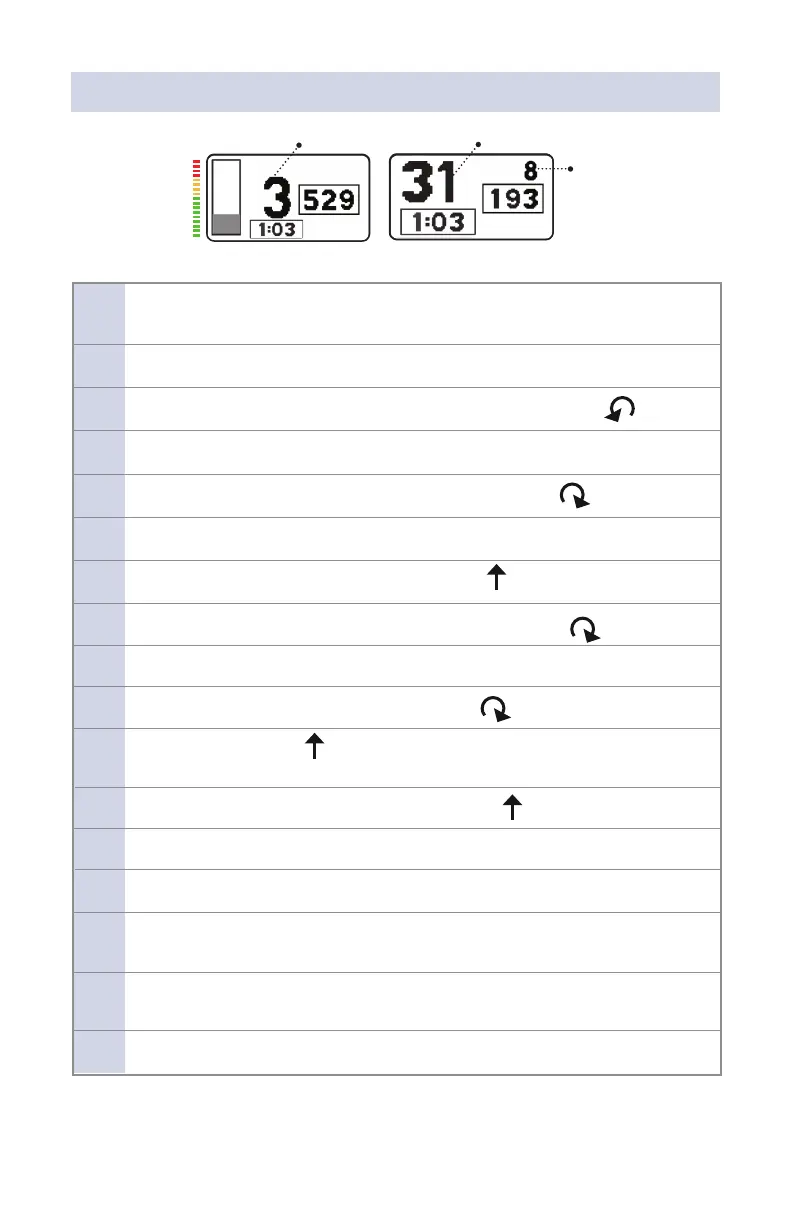
Mean Airway Pressure Pulse Amplitude
Mean Airway Pressure
US IPV® Display
EUR IPV® Display
NOTE: If using the “EUR” multimeter, MAP is in a dierent position on display.
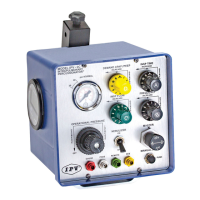
12. Adjust INSP FLOW (green knob) until MAP reaches 10 cmH₂O displayed on
the PDM (multimeter).
13. Observe pulsing grey bar on left side of multimeter.
14. Rotate both “A” and “B” knobs to the left, full counterclockwise position.
15. Conrm pulse frequency rate of over 300.
16. Rotate both “A” and “B” knobs to the right, full clockwise position.
17. Conrm pulse frequency rate of under 100.
18. Rotate both “A” and “B” knobs to the center, up position.
19. Rotate yellow “D” DEMAND CPAP/PEEP knob full clockwise position (OFF).
20. Verify INSP FLOW (green knob) will achieve a MAP of 10-40 cmH₂O.
21. Rotate INSP FLOW (green knob) full clockwise position (OFF).
22. Switch NEBULIZER up to ON and listen for gas ow out of the Phasitron®,
then switch OFF.
23. Rotate INSP FLOW (green knob) to the center, up position.
24. Trigger the failsafe alarm by pinching o clear Phasitron® tubing.
25. Alarm should reset and mute when clear tubing is released.
26. Occlude green port and observe that pulsations stop. Remove occlusion
from green port.
27. Rotate the MASTER switch to OFF position. Return all knobs to
protocol/default position.
28. Disconnect gas source supply.


 To Next Page