Explorer Mini Troubleshooting - Troubleshooting guide
6 Troubleshooting
6.1 Troubleshooting guide
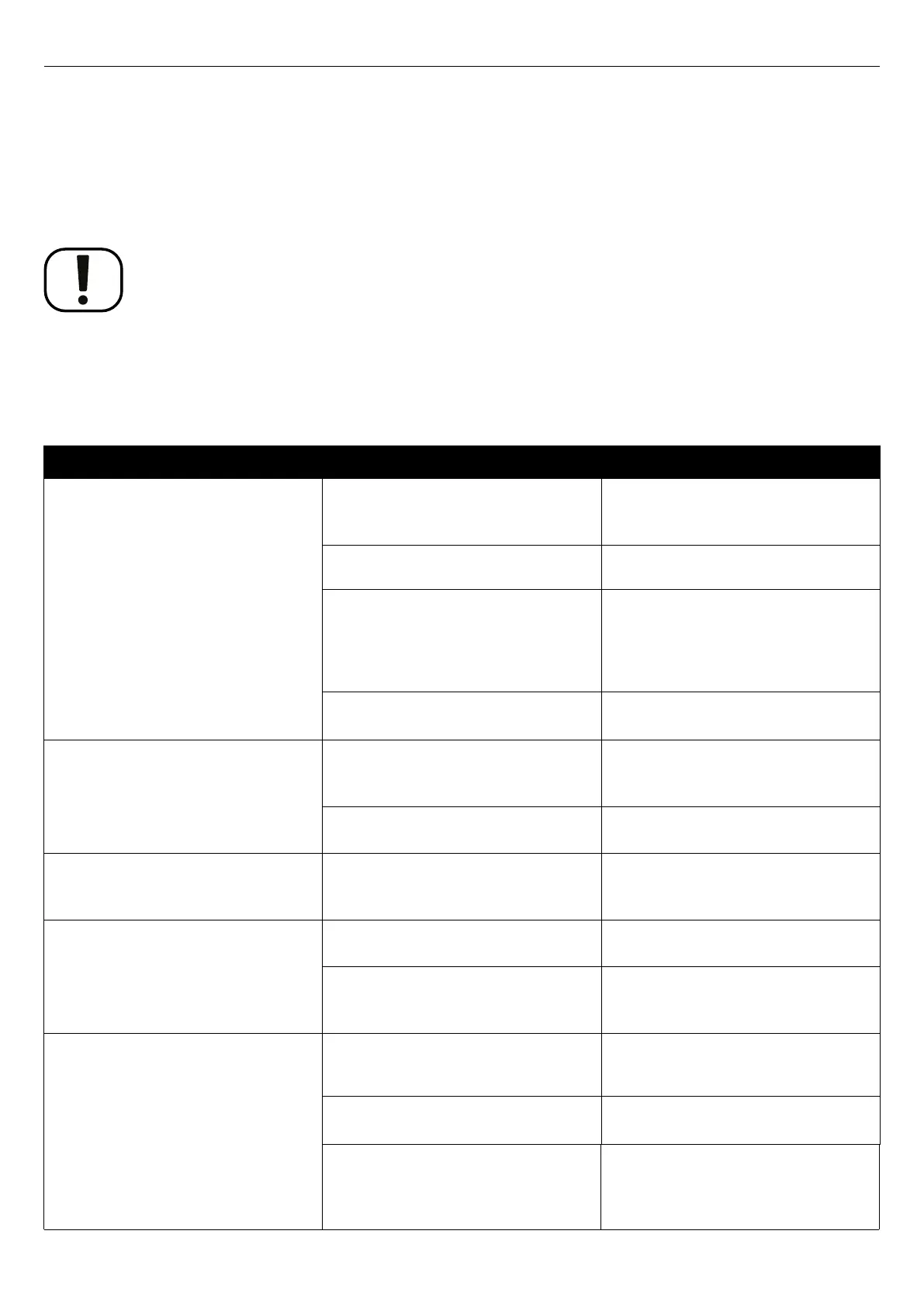
This troubleshooting guide describes the most common events that can
occur when you use the Explorer Mini. It also describes possible causes
and remedies. This troubleshooting guide is not exhaustive.
NOTICE
Unapproved replacement of parts
If any part is replaced without approval from Permobil, the wheelchair
warranty will become void. Permobil accepts no liability for any loss that
occurs as a result of a control system component being opened, adjusted or
modified without permission.
Event
Possible cause Remedy
The Explorer Mini does not start. The batteries are discharged. Charge the batteries.
For instructions, see
4.10.1
Charging the batteries
.
The battery saving function has started. Press and hold the start button for at least
one second.
Explorer Mini is turned off. The main
circuit breaker is turned off or tripped.
Reset the main circuit breaker and press
and hold the start button for at least one
second.
For instructions on tripped main circuit
breaker, see 4.11.1
Electrical fault
.
The main circuit breaker is turned on, but
the start button has not been pressed.
Press and hold the start button for at least
one second.
The Explorer Mini cannot be driven. The battery charger is connected. Stop the charging procedure and
disconnect the charger cable from the
charger socket on the Explorer Mini.
The Explorer Mini is locked. Unlock the wheelchair.
For instructions, see .
The Explorer Mini will automatically be
turned off after a period (90 minutes) of
inactivity.
The battery saving function has been
started.
Press and hold the start button for at least
one second.
The Explorer Mini stops during driving. The main circuit breaker is tripped. For instructions on tripped main circuit
breaker, see 4.11.1
Electrical fault
.
The batteries are discharged. Charge the batteries.
For instructions, see
4.10.1
Charging the batteries
.
The Explorer Mini cannot be charged. The main circuit breaker is turned off. Turn on the main circuit breaker and press
and hold the start button for at least one
second.
The main circuit breaker is turned on, but
the start button is not pressed.
Press and hold the start button for at least
one second.
Either an incorrect battery charger is used
or the battery charger is damaged.
Make sure that you use the battery charger
that was supplied with the Explorer Mini.
If it still is not possible to charge, you may
need to replace the battery charger.
73


 To Next Page