DA 7440 User Manual v.1.1 Aug 2015
15 (48)
5.4 Select product setting to use
Measurement calibrations and configurations for each product is set-up in Analysis Profiles. The
instrument is set-up to auto start on the last analysis profile in which measurements were done.
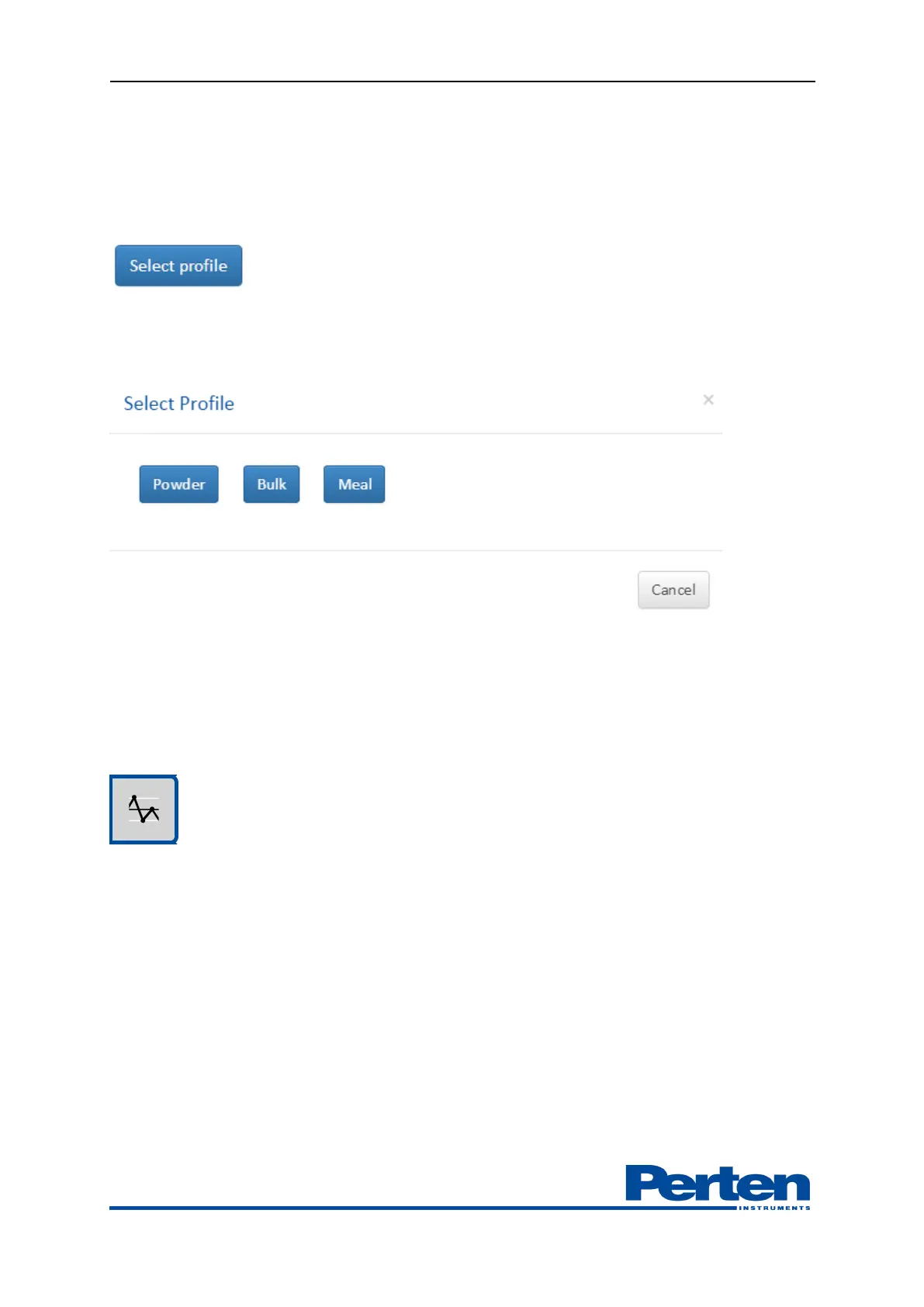
Changing of Analysis profile is done through Select profile button.
Select the Analysis profile which is to be used to measure. Measurements will auto start using the
selected profile, including the defined measurement settings.
Batches are separated based on when new products are activated. Re-selecting an active product
will create a new start- and stop batch time, on which summarized results can be displayed. Also
see chapter 7.3
5.5 Following measurement trends
Selecting the Trend Tab allows for following trends in the measurement results.
Current results are shown in combination with a graph displaying measurement trends.


 To Next Page