DA 7440 User Manual v.1.1 Aug 2015
20 (48)
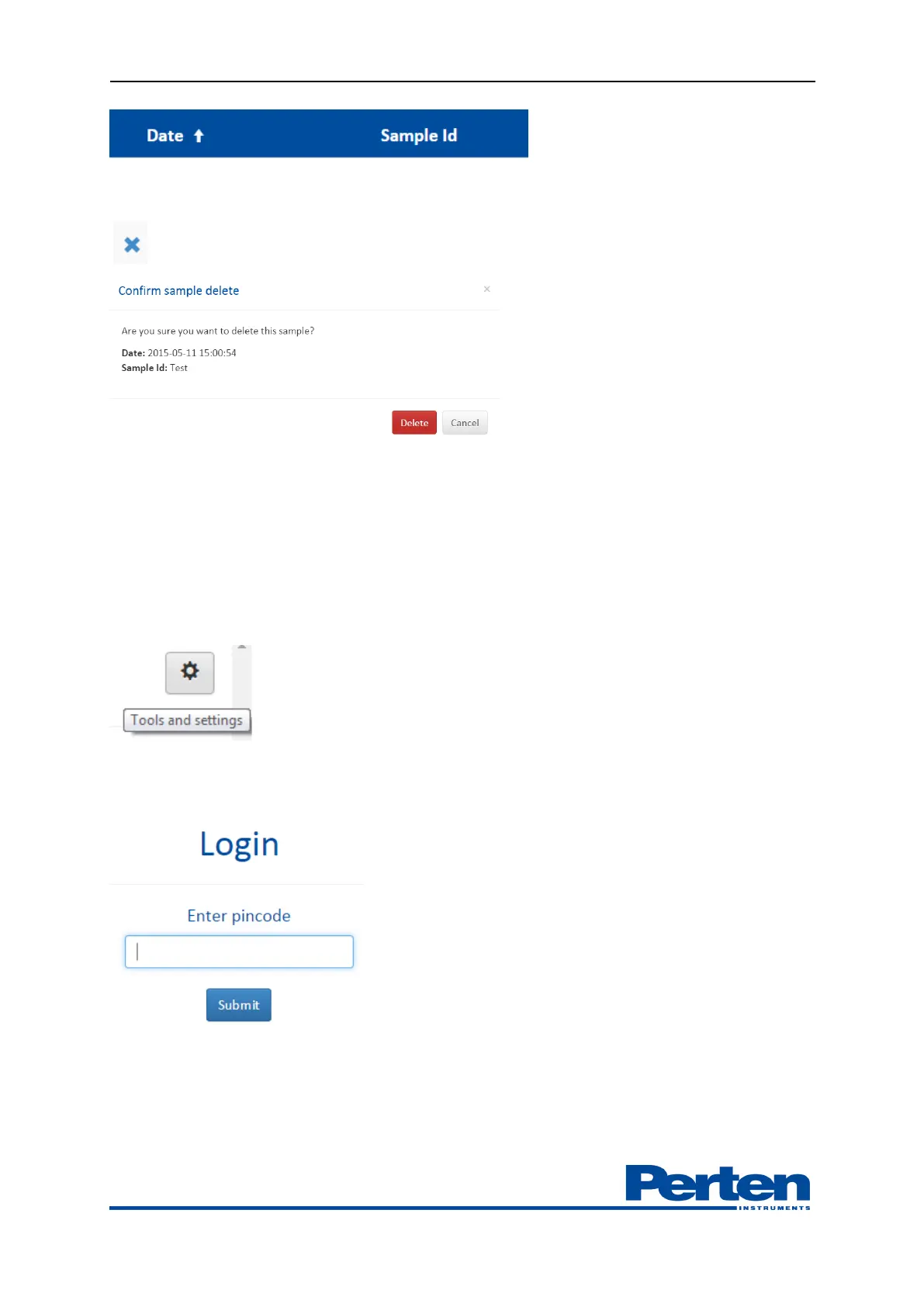
Erratic sample collection can be removed with deletion button.
6. Measurement set-up
6.1 Overview Setting menu
Instrument settings are edited in Tools and settings – Settings menu.
Changing instrument settings requests an Administrator password. Contact your Perten
instruments office or local Perten instrument partner for obtaining the Administrator password.
Once signed in as Admin as sign in confirmation will be shown in interface. Press Sign out to exit
Admin log on.


 To Next Page