DA 7440 User Manual v.1.1 Aug 2015
21 (48)
6.2 Analysis Profiles settings
Set-up of Measurement filter, Trend chart and Parameter details are done in Analysis profiles settings
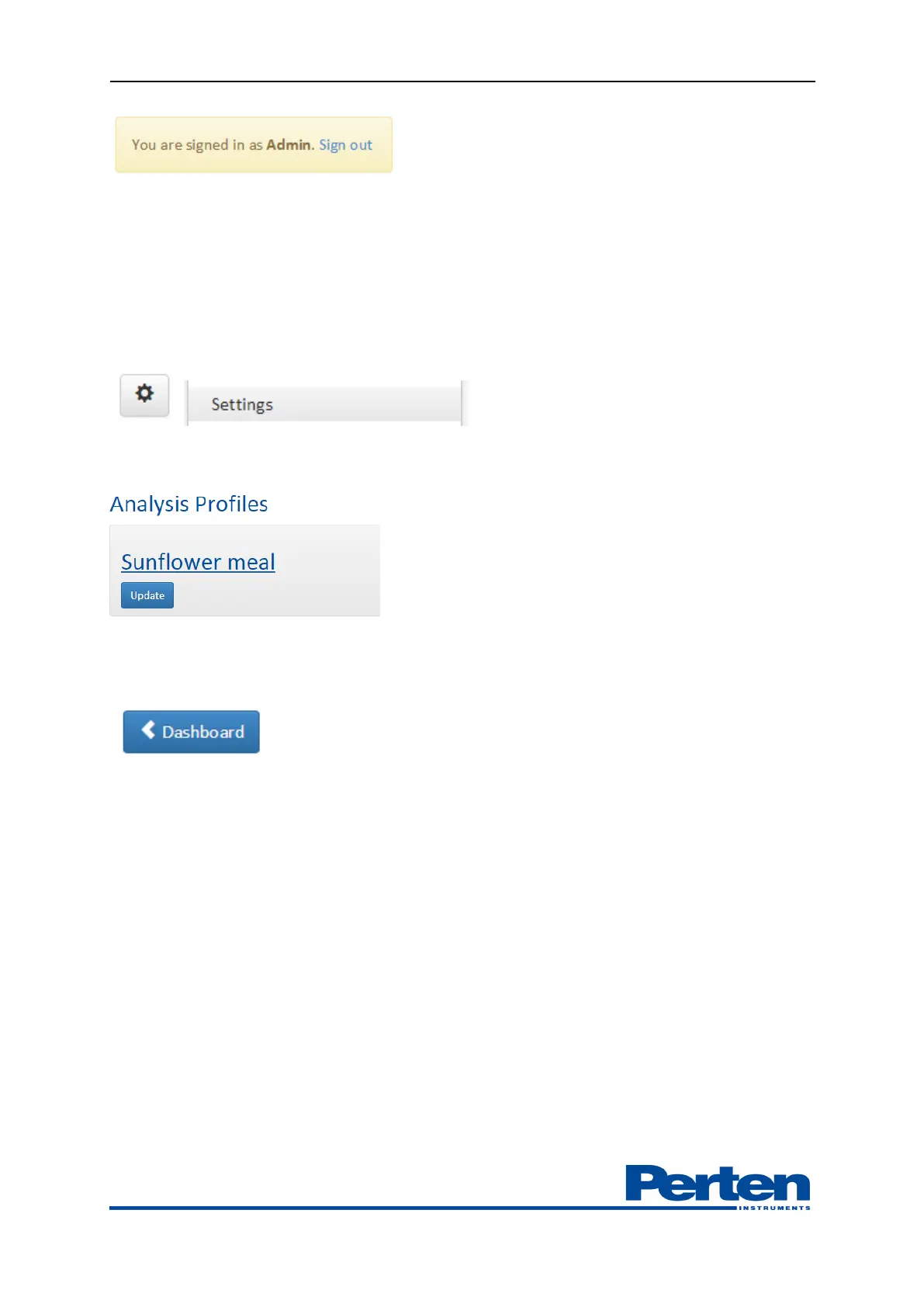
Select Settings menu by selecting Tools and settings tab and Settings menu.
Select profile to edit.
After editing settings, press Update to activate the profile with the new settings. Return to
measurement view by pressing Dashboard.
Description of the profile settings are summarized below.
Caution:
Settings for referencing, normalization, measurement filtering and sampling
should not be changed unless instructed so by a Perten Applications or Service
specialist.


 To Next Page