DA 7440 User Manual v.1.1 Aug 2015
42 (48)
9.5 Updating Calibration models
Calibration files are by default named as product type, paramether name and optional extra
abbreviation. They are in format .jhr or .unsb and are activated using measurement profiles in .xml
format.
Calibration files shall be placed in a specific directory on the instrument or server PC.
1. Connect to “Perten Network”
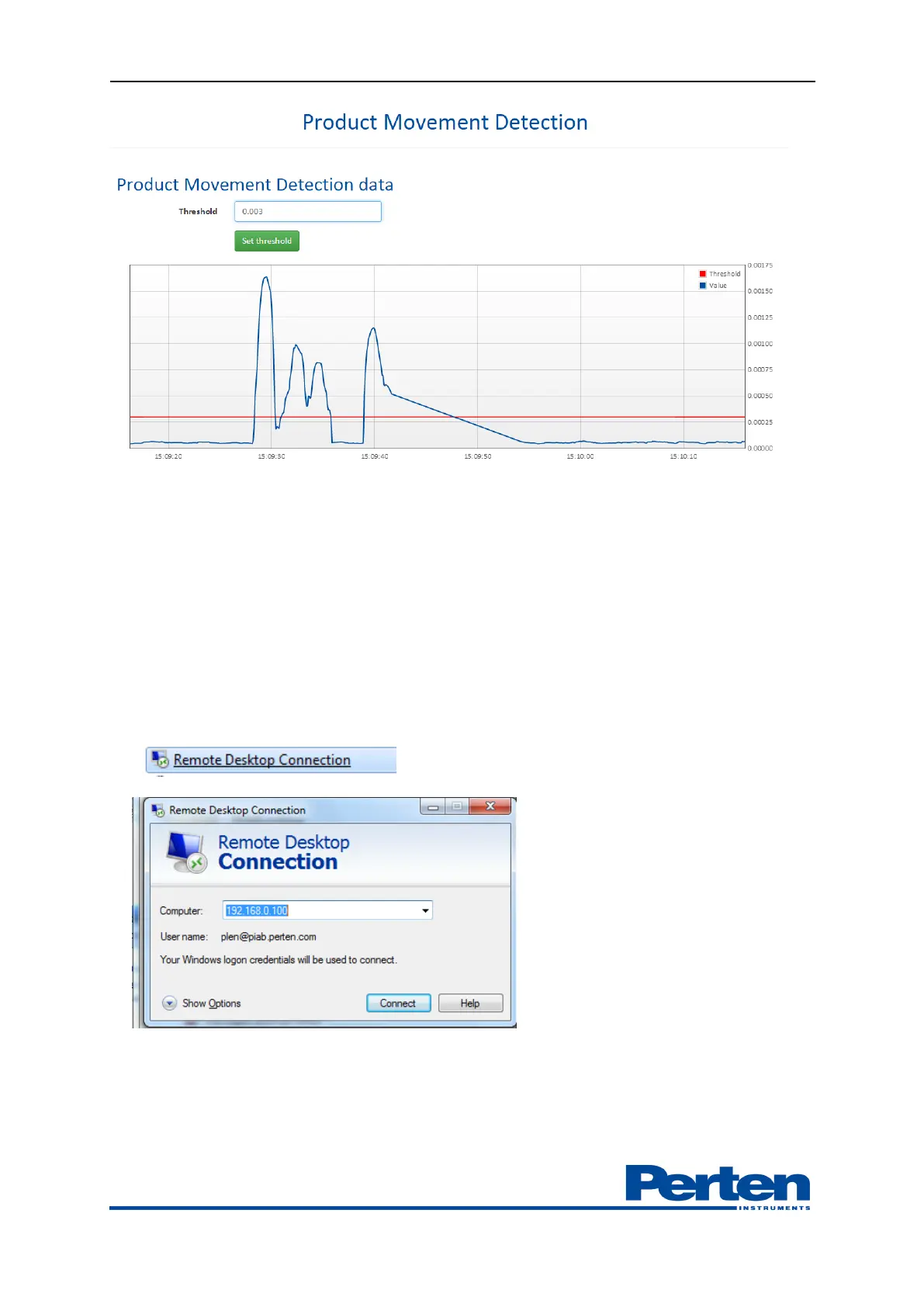
2. Use windows function Remote desktop to log on to the computer in the instrument
User online
Password enilno
3. Find the folder C:\Program Files (x86)\Perten\Process Plus\AnalysisProfiles


 To Next Page