DA 7440 User Manual v.1.1 Aug 2015
18 (48)
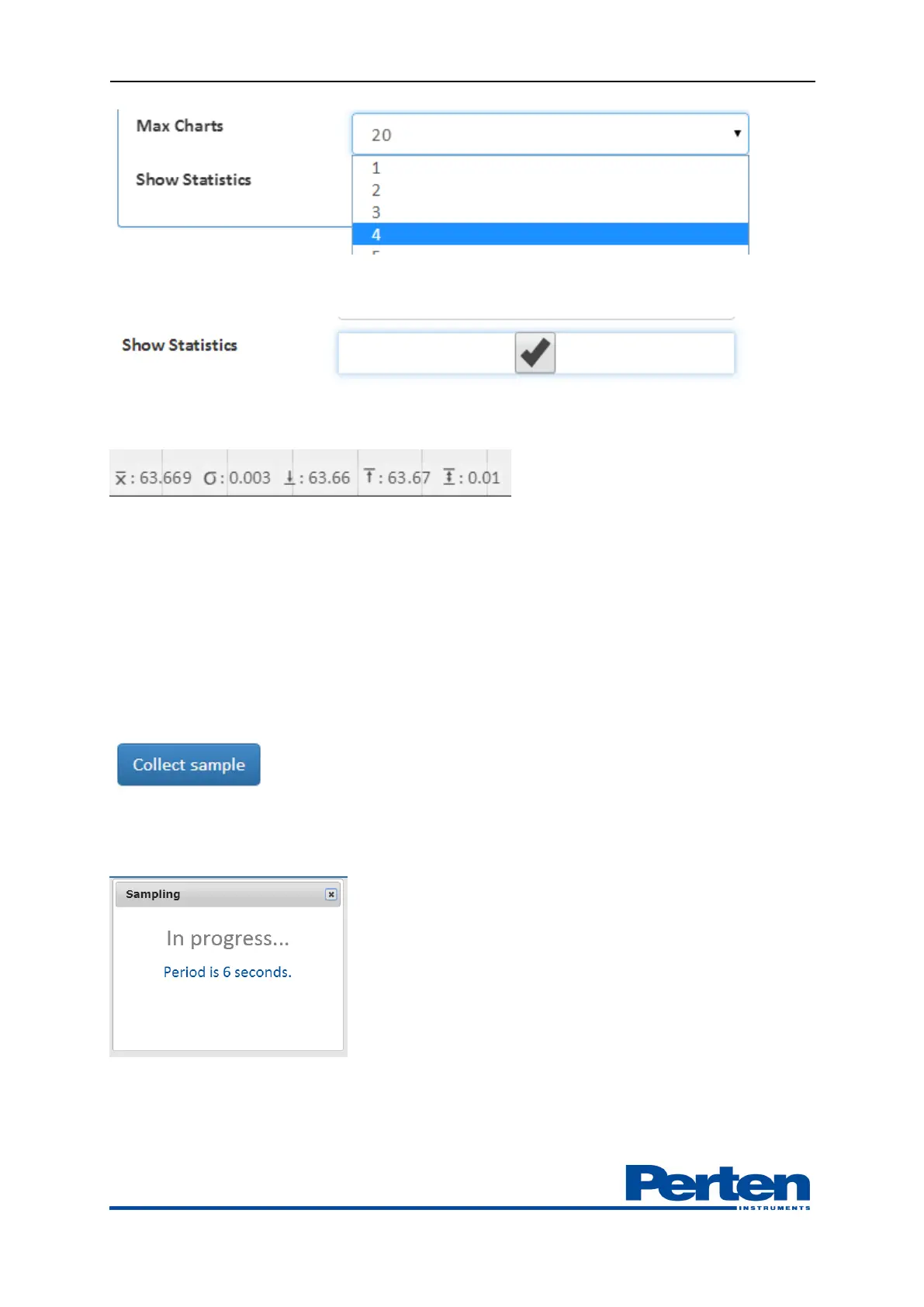
Activating show statics tab allows for observing statcisics of measurement in current batch in the
trend chart
Average measurement result, standard deviation, minimum, maximum and range in current batch
is displayed.
Re-selecting the product or selecting a new product reactivates the statistics.
5.7 Grab sample collection
Measurement validation and calibration development is dependent on the collection of
production samples in close vicinity to the NIR process instrument. The matching and
observation of results from grab samples can be done in the Process Plus graphical interface.
When taking a sample, mark the corresponding measurement by pressing the Collect sample
button.
A window is shown indicating the results of the sampling. If data acquisition during the sampling
was successful, the sampling is acknowledged by the a message, Done


 To Next Page