DA 7440 User Manual v.1.1 Aug 2015
17 (48)
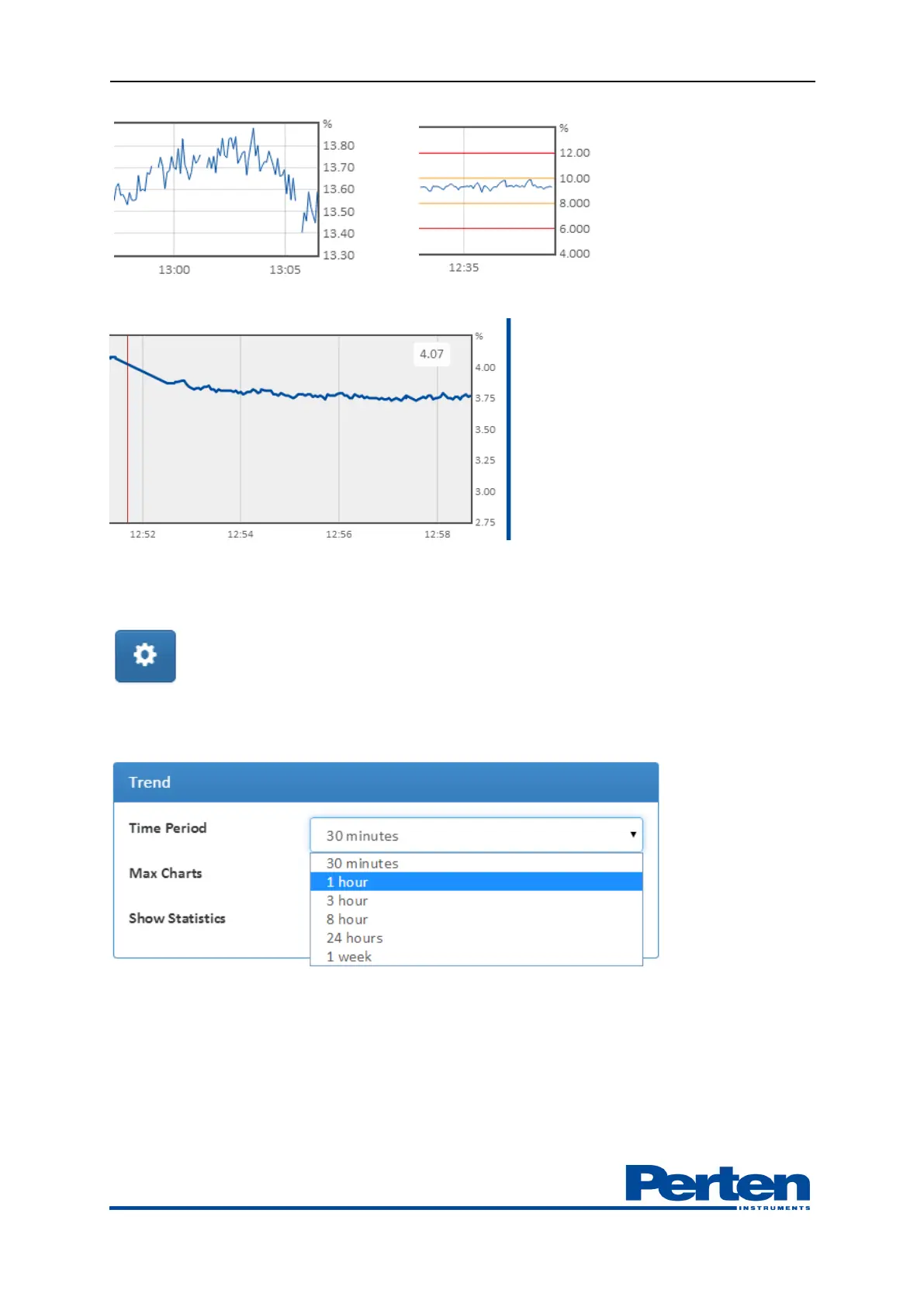
Setting the cursor in the graph displays a line and the measurement results at the selected time.
Number of parameters shown, displayed time period and statistics option are set in the Display
settings
Time span shown can be selected from drop down menu.
Number of parameters shown are selected from drop down menu. A profile can include and
display up to 20 parameters.


 To Next Page