DA 7440 User Manual v.1.1 Aug 2015
38 (48)
9. Extended configuration
9.1 Connecting DA 7440 sensor
The DA 7440 sensor and interface PC are by default configured with static IP addresses.
The sensor IP address is linked to the instrument computer using a function in the Process Plus.
Action steps for connecting the Sensor – Instrument computer depending on different
configurations are summarized below:
Scenario I Use of DHCP server and they can be reserved for long term lease.
1. Sensor is set for DHCP configuration and is being connected to the plant
network. The sensor retrieves an IP address.
2. The sensors IP address is retrieved by asking the network administrator or
by using the discovery tool.
3. The network administrator makes sure the retrieved IP address is being
made static inside the plant DHCP server
4. Process Plus is configured to point to the IP address of the Sensor
Scenario II Use of a STATIC IP addresses configuration.
1. The network administrator communicates the IP address and network.
2. Using SSH client, putty.exe the DA 7440 Sensor is being configured to
change to the given static IP address..
3. Shut down the sensor and re-locate to the customers network.
4. Power up sensor.
5. Process Plus is configured to point to the IP address of the DA 7440
Sensor
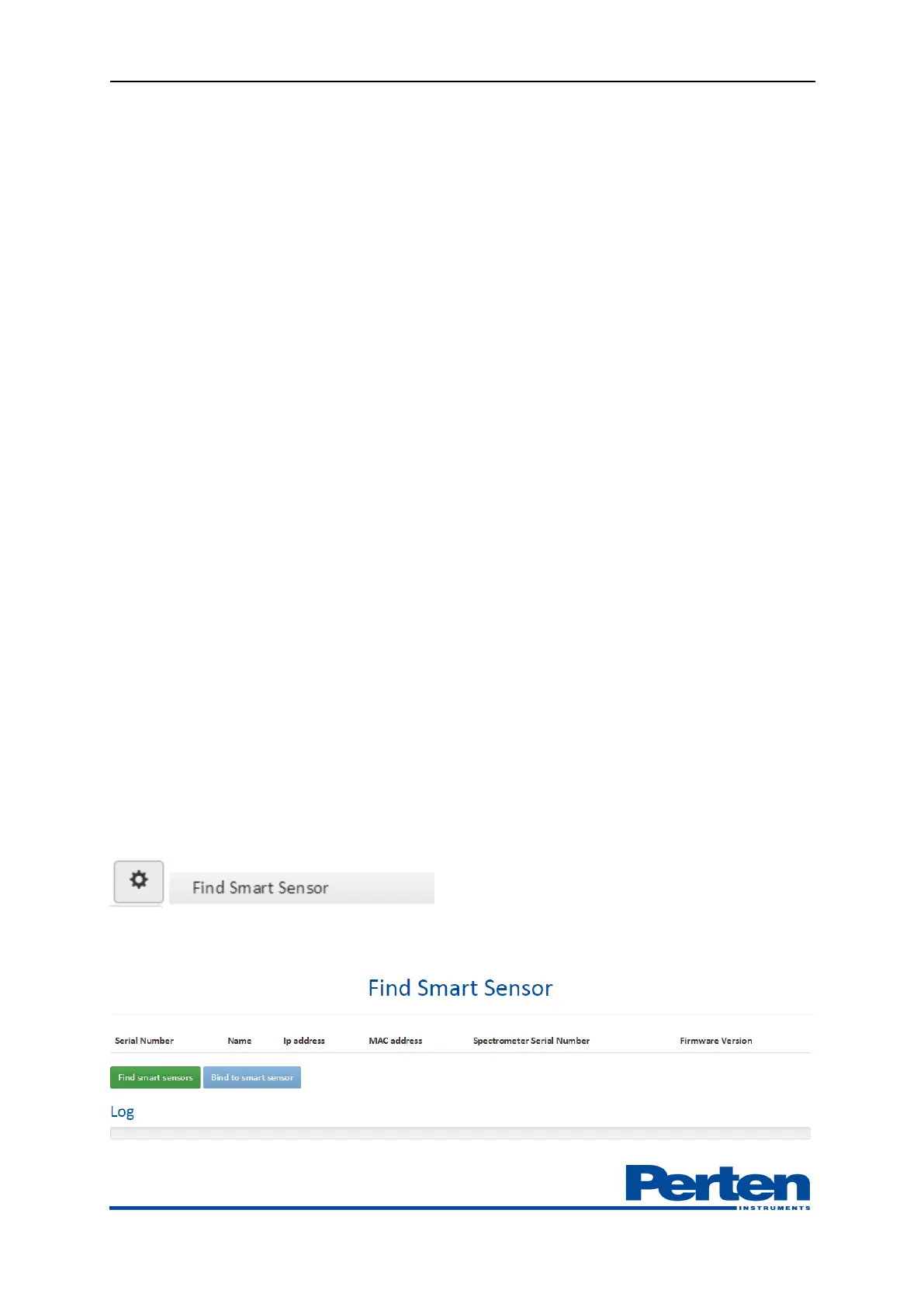
Access Sensor connection function in process Plus be selecting Tools and settings – Find Smart
Sensor.
Press Find Smart sensors to locate DA 7440 sensors on the network.


 To Next Page