DA 7440 User Manual v.1.1 Aug 2015
45 (48)
Sensor restart
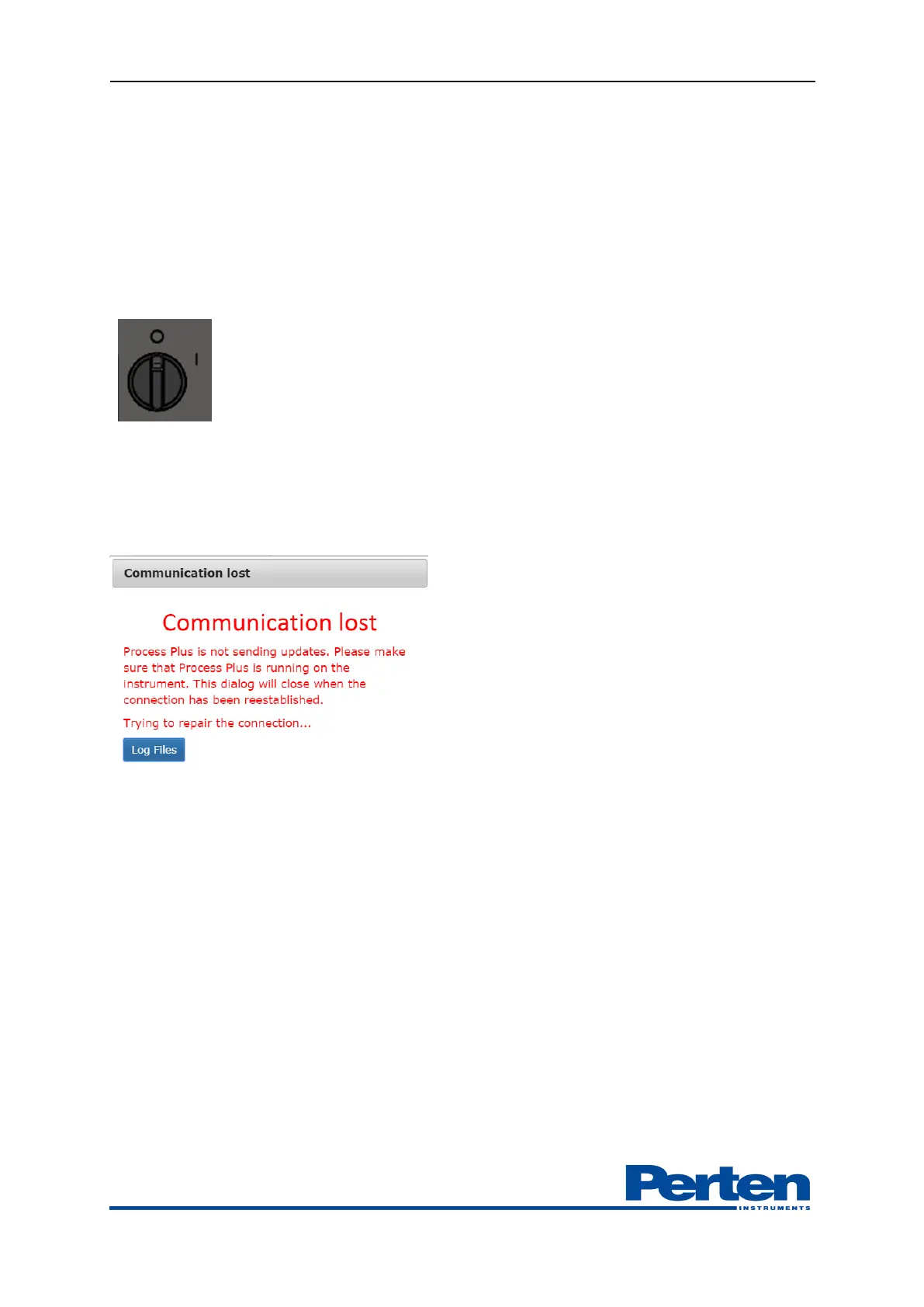
Unplug the sensor power cable. If the sensor is connected to the Junction box, powering Off-On
for 3 seconds will re-start the sensor.
Computer shut down/restart.
Junction box includes a UPS with automatic PC shutdown function. Powering of the junction
box will shut down the computer within three minutes. After three minutes, a restart can be
made
.
10.2 Communication error
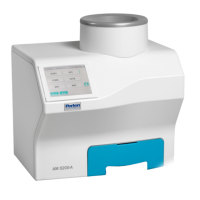
When communication between the Process Plus Server and client is lost is corresponding error
message displayed
1. Verify connecting LAN cables or wifi router.
2. Verify that the Instrument PC is running.
3. Refresh the web browser.
4. If needed, restart the PC.
5. Restart the Sensor, making sure LAN cable is plugged in.


 To Next Page