DA 7440 User Manual v.1.1 Aug 2015
44 (48)
-In order for the instrument to operate in an optimal manner it is set up to automatically run
periodic self-tests. The status of the instrument during these tests is Baseline.
-If the internal tests in the instrument indicates an error is the status Error displayed.
The instrument is set-up only to present measurement results when the production process is
running and a moving product is present. See chapter 9.3 and 9.4 on setting the product and
movement detection.
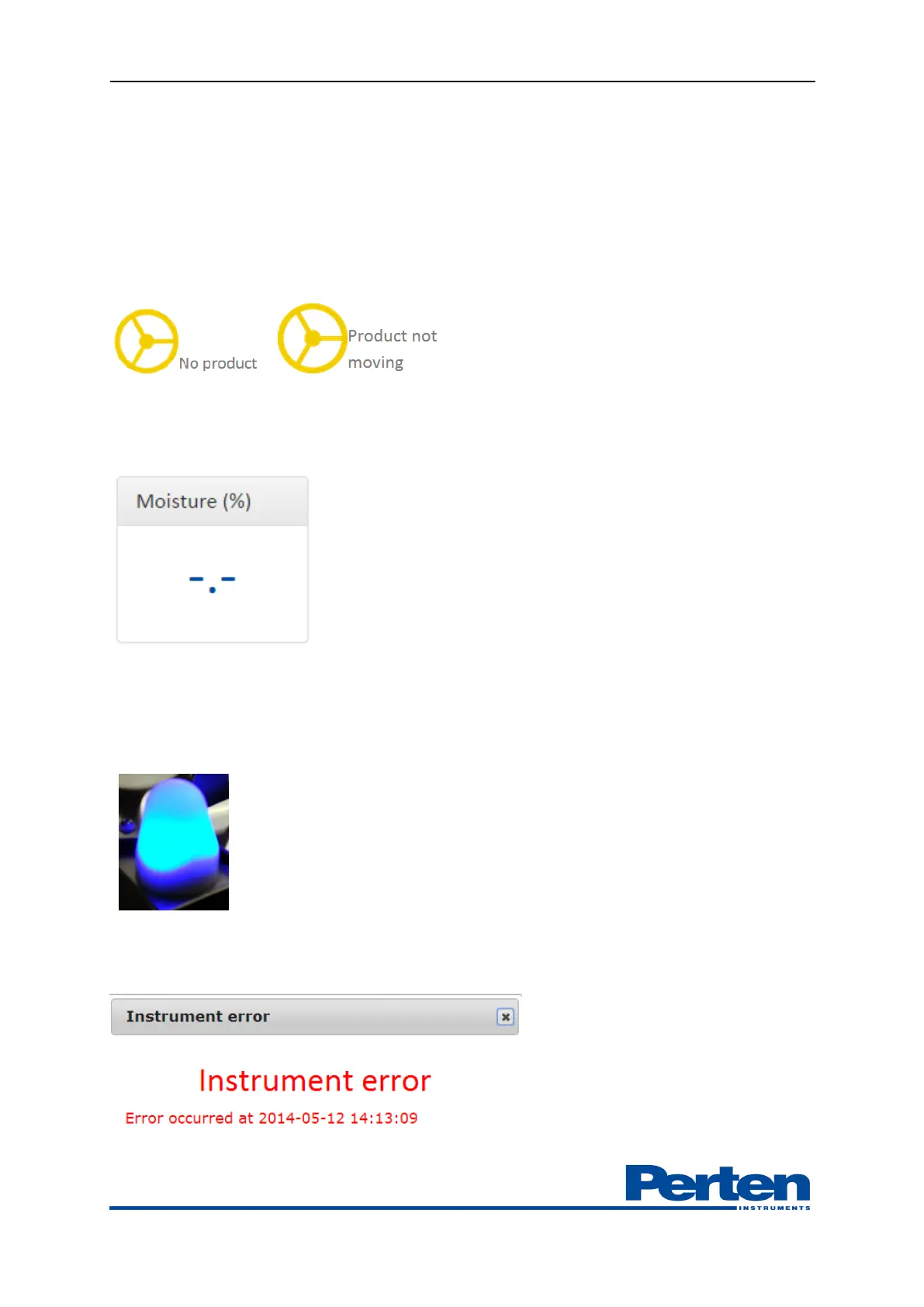
During instrument start-up, self-tests and production breaks, the measurement result
presentation is suspended. This is indicated by the sign shown below.
Instrument status light tower
Most status indications have a corresponding appearance on the instrument light tower. White at
start-up, Red indicating error and Blue during normal operation. If the status indicator is flashing
blue, it is not yet connected to an instrument computer, see chapter 9.1
Instrument error
Instrument errors are indicated with time stamp window shown.
First solution for resolving an instrument error is a sensor re-start


 To Next Page