DA 7440 User Manual v.1.1 Aug 2015
19 (48)
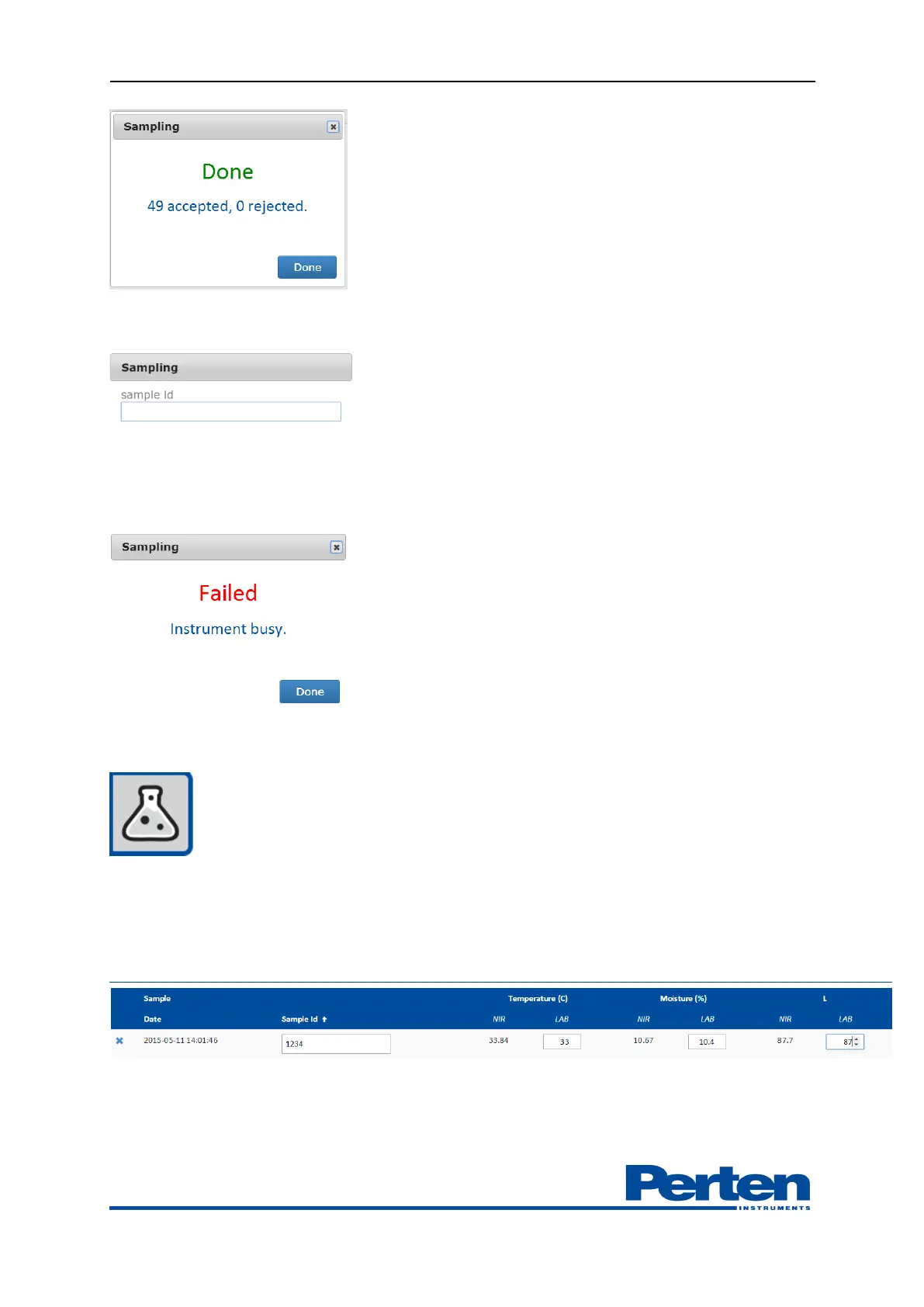
The measurement profile can be set-up to include optional sample-id.
If not enough product was present or if instrument was running self-test during the sampling a
sampling Failed indication will be shown. Verify that product is present, unit is in measurement
mode Running and sample again.
Collected samples can be viewed by pressing Laboratory Samples tab.
Instrument measurement results of grab samples are given in NIR column. To facilitate
adjustments, validation and calibration development the grab sample results from laboratory
methods can be entered in LAB column. An extended Sample ID may also be entered
Pressing Date or Sample Id will sort on the respective column.


 To Next Page