X3
DC out
RS485
PE
AC in
S1
1
8
3
4
9
10
2
6
7
5
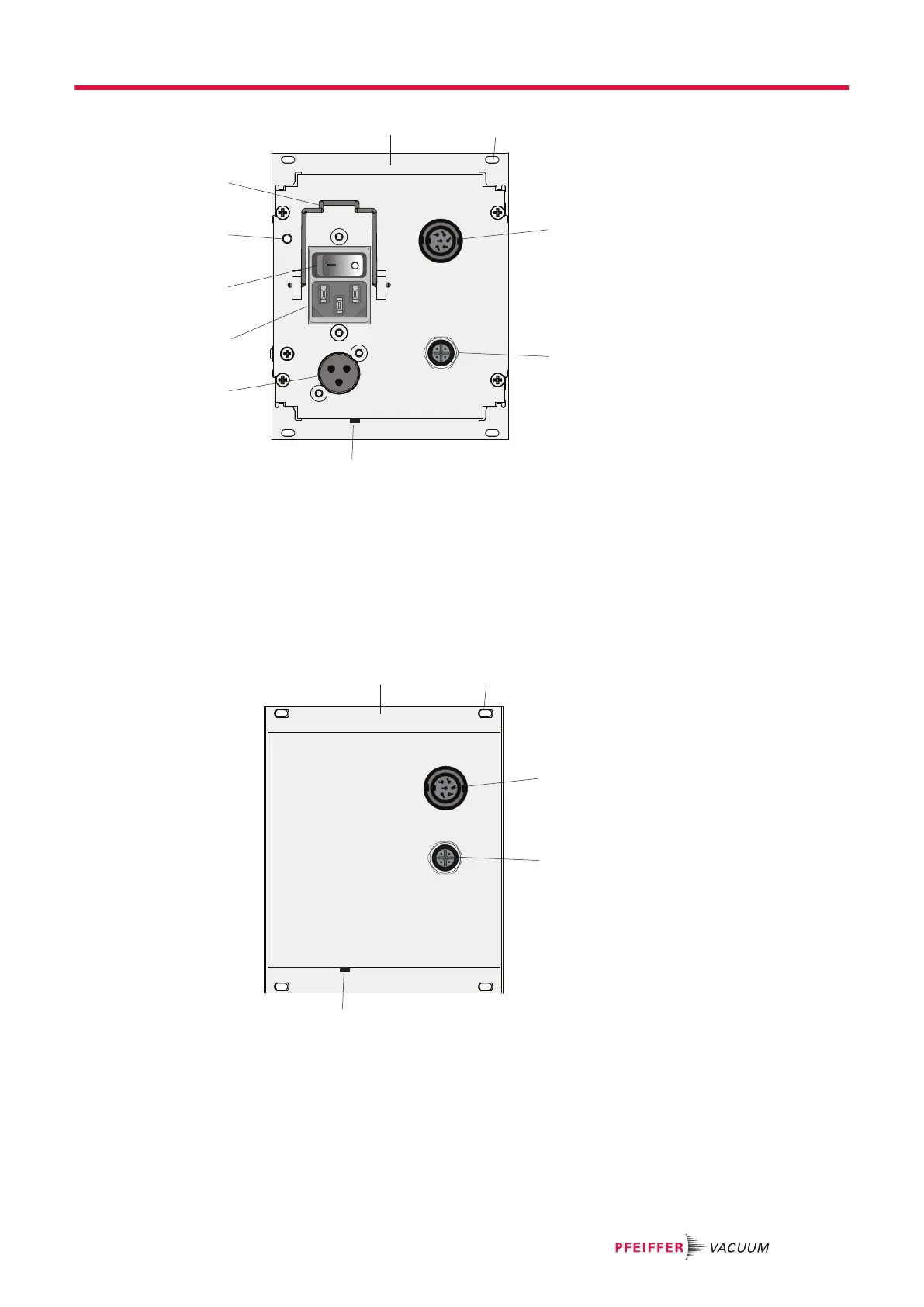
Fig. 3: DCU with integrated power supply pack, rear view
1 Front plate, rear side 6 Connecting socket DCout
2 Mounting hole 7 Connecting plug ACin, mains input
3 Connecting socket X3 8 Mains switch S1
4 Connecting socket RS-485 9 Earthed conductor, M4
5 Contrast setting 10 Mounting bracket for mains connection
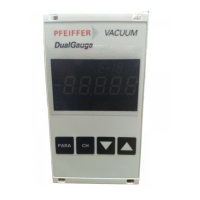
Fig. 4: DCU 002, rear view
1 Front plate, rear side 4 Connecting socket RS-485
2 Mounting hole 5 Contrast setting
3 Connecting socket X3
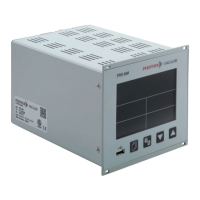
3.4.1 Key functions
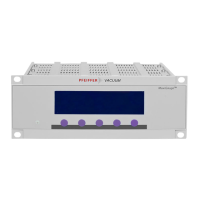
4 short-stroke keys (softkeys) make up the user interface of the DCU.
Product description
15/38





 To Next Page