6.7 Operating mode display via LED
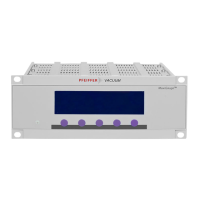
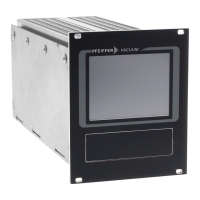
The LEDs on the front panel of the DCU display basic operating statuses.
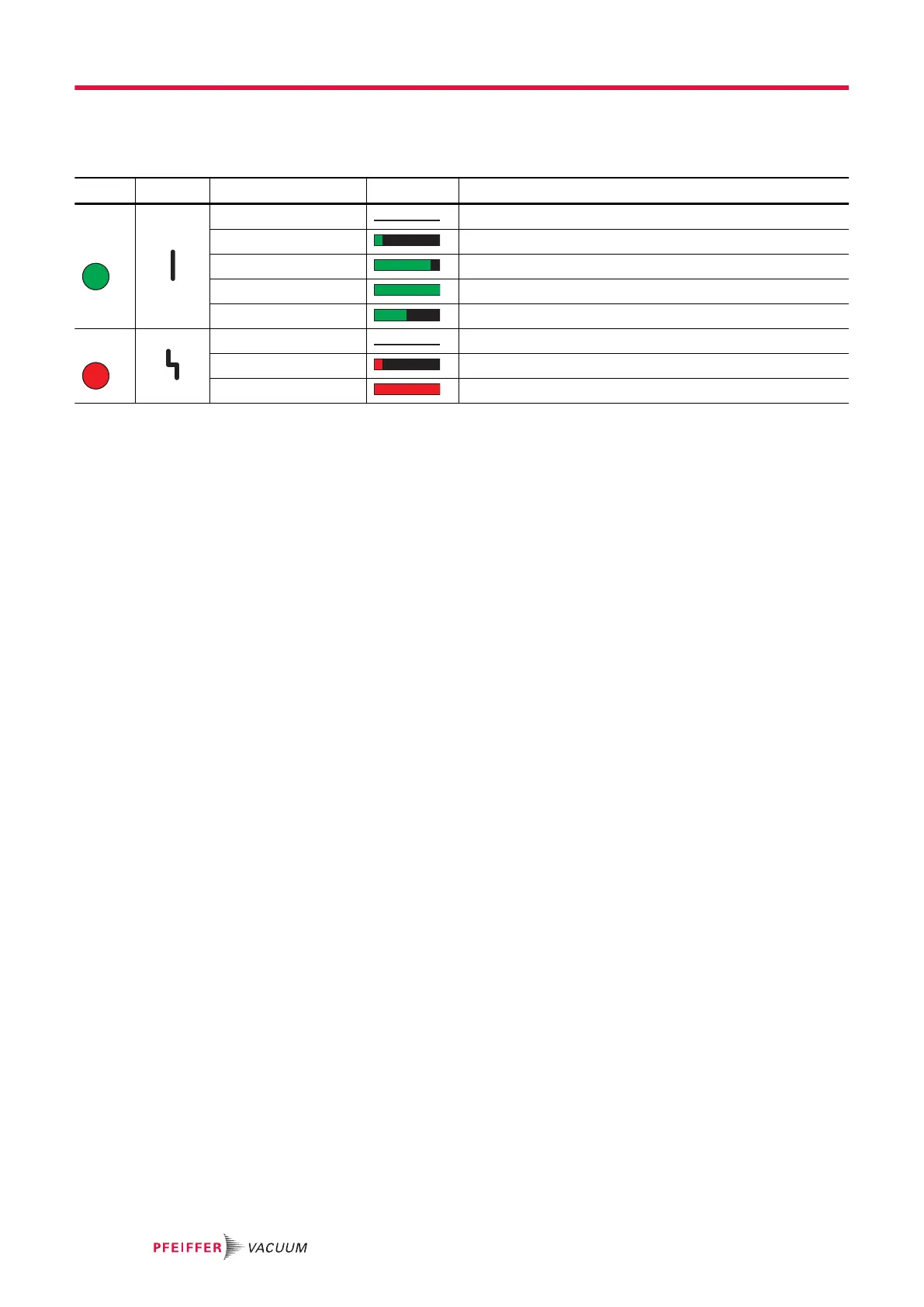
LED Symbol LED status Display Meaning
Green
Off without current
On, flashing "Pumping station OFF", rotation speed ≤ 60 rpm
On, inverse flashing "Pumping station ON", set rotation speed not reached
On, constant "Pumping station ON", set rotation speed reached
On, flashing "Pumping station OFF", rotation speed > 60 rpm
Red
Off no error, no warning
On, flashing Warning
On, constant Defect
Tbl. 16: LED display and meaning at the DCU
6.8 Switching off the DCU
Switching off DCU 002
The power supply pack connected for the vacuum pump supplies the DCU 002 with operating voltage
via the electronic drive unit.
1.
Disconnect the voltage supply at the power supply pack of the vacuum pump.
–
Vacuum pumps which produce a generator current as the pump system runs down maintains
supply of the DCU 002 until the current supply is disconnected.
2.
Disconnect the power supply pack from the mains to disconnect the current supply completely.
Switching off the DCU with integrated power supply pack
1.
Switch off the device at the back with the "S1" switch.
2.
Disconnect the DCU from the mains to disconnect the current supply completely.
Operation
28/38





 To Next Page