149
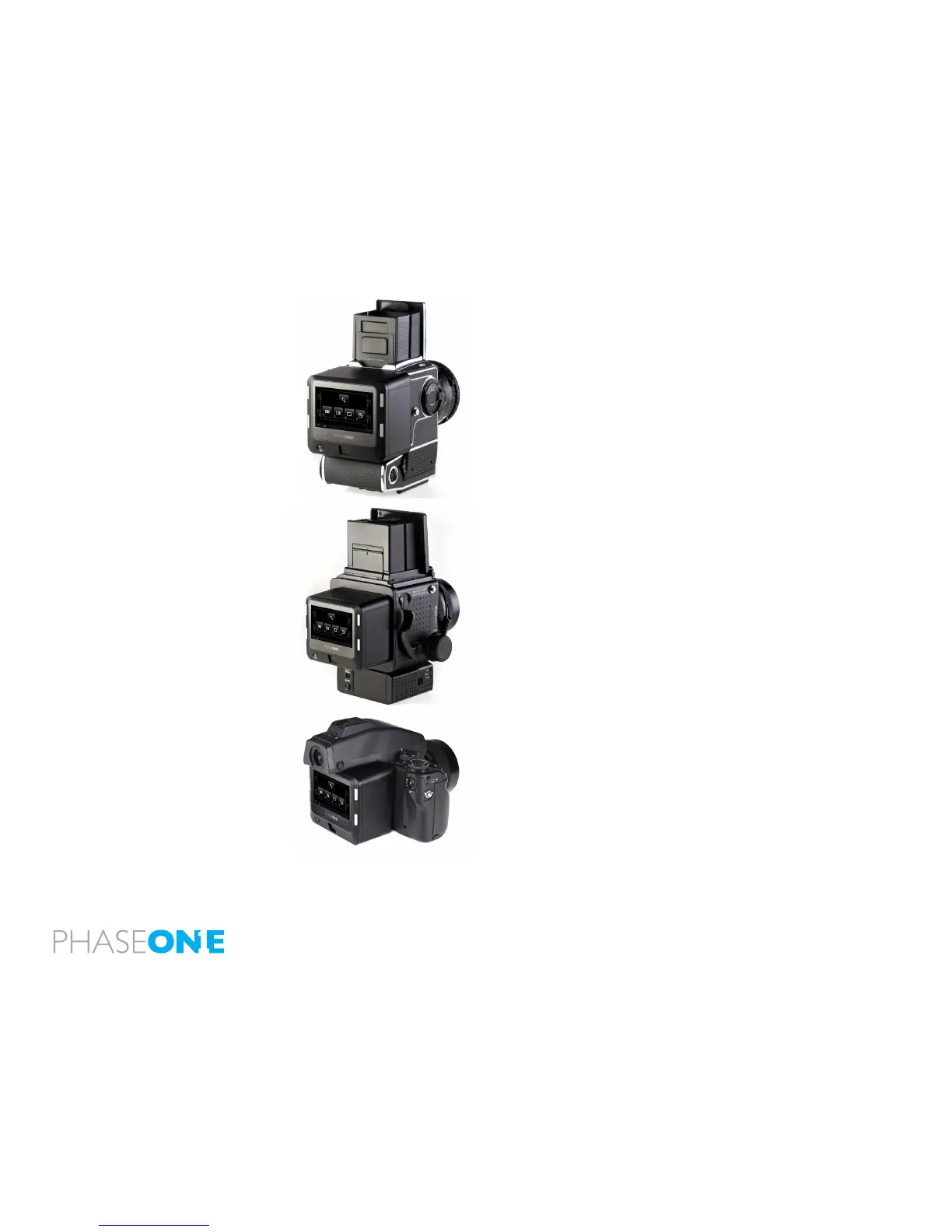
Hasselblad V
1. Activate Live View on the IQ back.
2. Select B (Bulb) mode.
Mamiya RZ67 Pro II/Pro IID
1. Activate Live View on the IQ back.
2. Select B (Bulb) mode.
N.B. It is only possible to change the aperture when the camera body is
idle/not exposing. Please exit the Bulb mode to change aperture.
Contax 645:
1. Activate Live View on the IQ back.
2. Select B (Bulb) mode.
3. Select the desired aperture value.
N.B. It is only possible to change the aperture when the camera body is
idle/not exposing. Please exit the Bulb mode to change aperture.



 To Previous Page