74
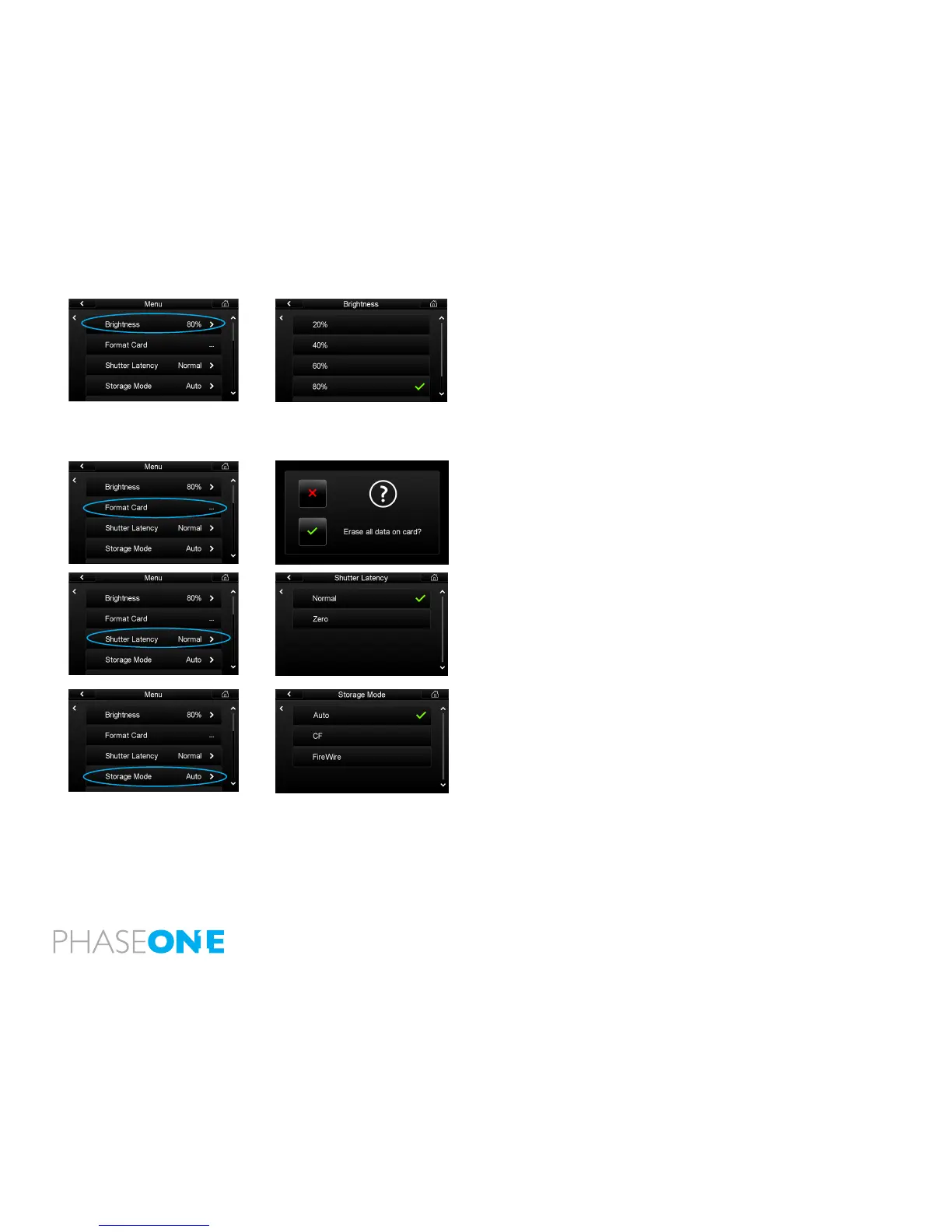
Brightness
Set the brightness of the preview LCD screen to suit ambient viewing
conditions. The default setting is 80% but in bright outdoor illumination
this can be increased up to 100%. Users may choose to lower the Brightness
when working in low light environments, such as a photographic studio.
Altering the Brightness setting will only aect the brightness of the screen.
It will NOT aect the Exposure Warning, Histogram and exposure of a nal
capture.
Format Card
Select Format Card to erase all data on a memory card. Memory card
formatting is done in either FAT 16 or FAT 32 depending on card size. (IQ
backs support CompactFlash cards formatted in both FAT 16 and FAT 32).
Shutter Latency
The IQ CCD is put to sleep to reduce power consumption when it is not in
use. The IQ needs to wake up before shooting and the timing of this wake
up signal is referred to as the Latency. The recommended setting is Normal
Latency if the IQ is used with the Phase One 645DF format camera.
Storage
Storage allows users to congure how an IQ back should store the captures
created. Auto is the default Storage setting and it will detect and automatically
store images les to a memory card if it has been inserted in the IQ back.
If the IQ back is being used to shoot tethered, it will store image les directly
to the computer via the connected FireWire 800 cable. The FireWire will
have priority if a card is in the IQ back at the same time as it is connected by
FireWire to a computer.
The IQ back can be forced to shoot to either CompactFlash or via a FireWire
800 cable to a computer by selecting CF or FireWire respectively. An Error
Message will appear on the IQ screen if the IQ back is not tethered to a
computer and the IQ card slot is empty.



 To Next Page