59
5.4 ISO
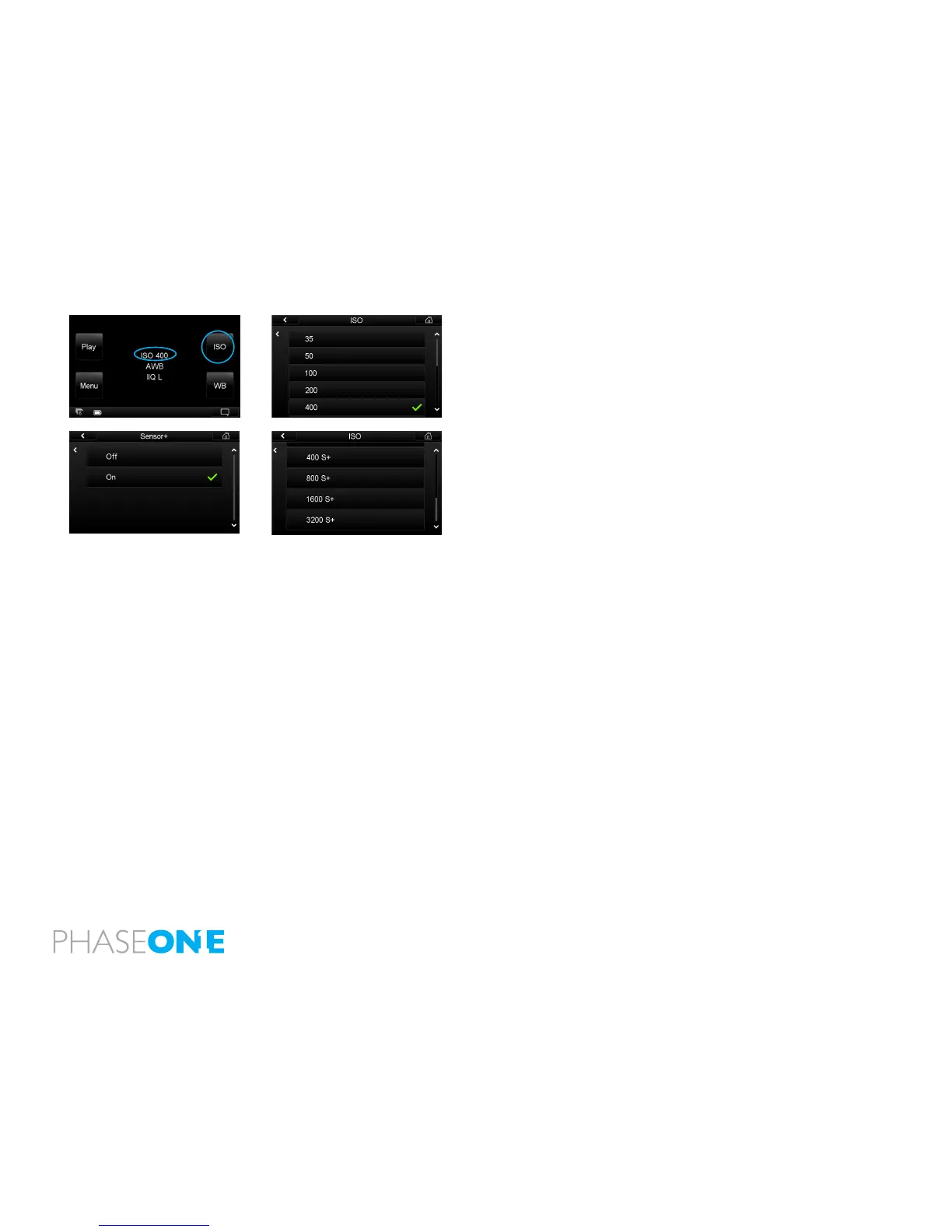
Push the top right button or tap ISO on the Home Screen. You will be
presented with the back’s ISO spectrum. Scroll up and down and tap the
screen to select the desired setting. A green check mark will appear next to
your chosen setting and you will automatically return to the Home Screen.
The IQ180 has a standard ISO range from 35 to 800. The IQ140 and IQ160
has a ISO range from 50-800. To extend the ISO range select the Sensor +
option to capture images with 20 megapixels resolution at 4 times higher
sensitivity, up to ISO 3200. (The IQ180 shoots at 20 megapixel resolution, the
IQ160 at 15 megapixel resolution and the IQ140 at 10 megapixel resolution
in Sensor + mode).
Find out how to access and set the Sensor + function on page 75.
Remember that the higher the ISO setting, the higher the degree of image
noise. The camera system together with Capture One software deliver a
powerful noise reduction performance although it is possible to still see
some noise at the higher sensitivity settings.



 To Next Page