PHILIPS 4000 and 3000 05 SERVICE MODE
1/18
5.1. Test Mode Philips 4000.
The Test Mode is organized into 6 differentpages,eachlevelthecoffeemachinecanexecute
different commands:
Page 0: The display shows:
a) Firmware version.
b)Versionofmachine(FocusCMF,ClassAMF,TopOTC).
c) Voltage of PCB.
d) Main supply frequency (50 or 60 Hz).
Page 1: Keyboard and display’s colour test:
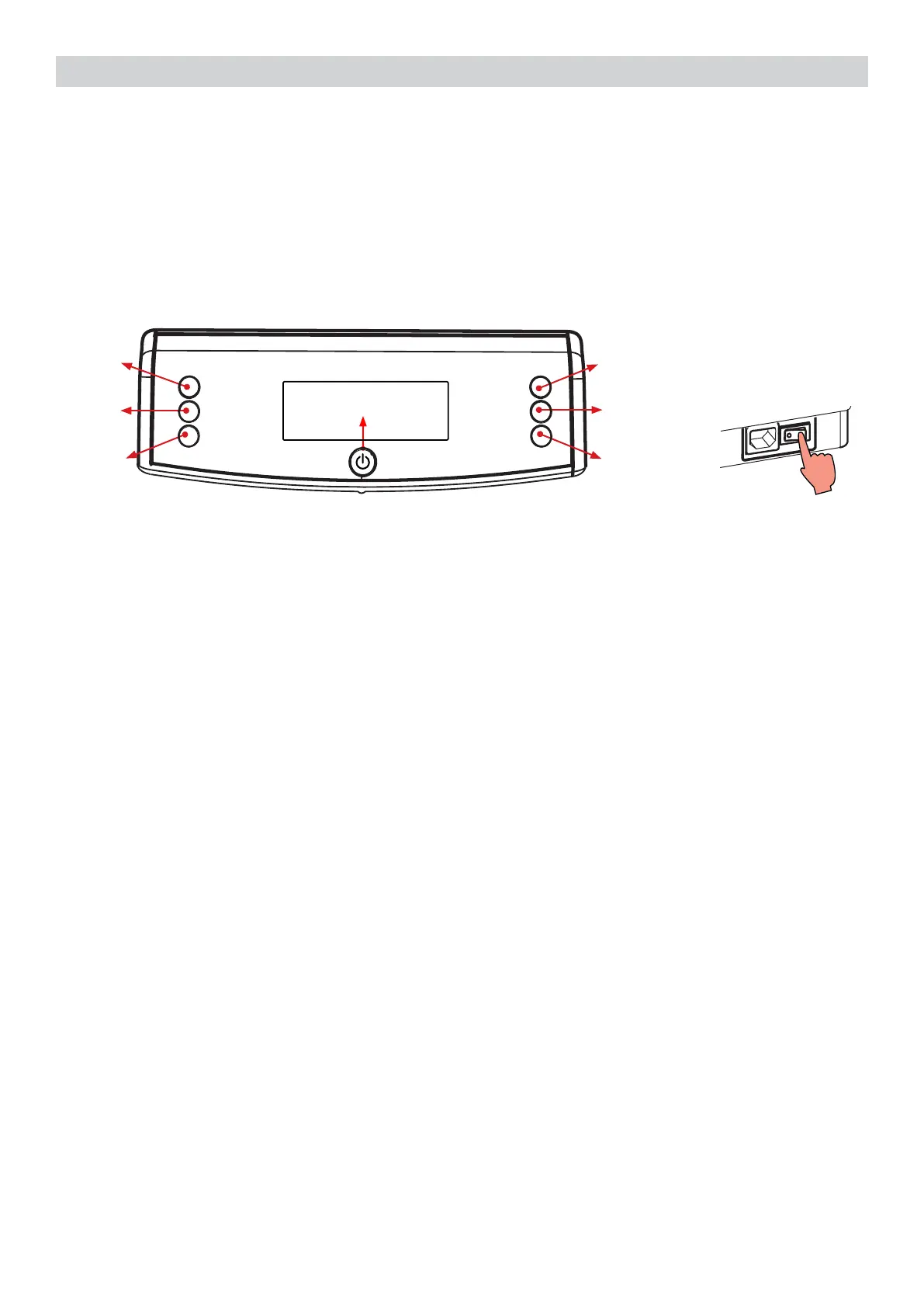
a) Z1 button
b) Z2 button
c) Z3 button
d) Z4 button
e) Z5 button
f) Z6 button
g) Z7 button
h) Backlight colors
Page 2: Input signals test:
a) Water level sensor
b) Micro-switch door closed/opened
c) Microswitch presence of the Brew Unit
Page 3: Low voltage loads test:
a) Brew Unit movement upward and downward (24V DC)
Page 4: High/Low voltage loads test (Pump, E.Valve ) :
a) Pump (230V AC)
b) DC Solenoid valve (24V) ( The door must be closed !!)
c) Flow-meter
Z4
Z6
Z1
Z2
Z3
Z5
Z7
Introduction
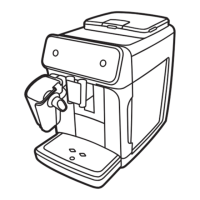
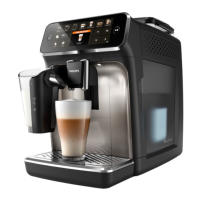
ThisdocumentdescribestheTestModeofthePhilips4000(CMF,AMF&OTC)CoffeeMachine.
This application is used in order to test the machine in its mechanics and electronic components.
To enter Test Mode
The machine enters in Test mode by holding pressed together Z1 and Z6 buttons while switching
on the machine by the main switch on the backside of the CA.
OnceenteredinTestMode,thedisplayshowsthermwareversion(Level0).





 To Next Page